
MOODLE INTEGRATION
Online Proctoring Built Into Moodle
Verify identity and proctor Moodle quizzes from the course itself. Learners need only a browser and a camera. A trained reviewer checks every flag before results reach you.

Built for Moodle
Instructors keep building quizzes in Moodle the way they always have. Integrity Advocate connects through our plugin, a Moodle Certified Integration, so identity verification, proctoring, and results all happen in the same course.
Learners open the quiz in their browser with nothing to install. A trained reviewer checks every flag before a status reaches you, and no proctoring data is stored in Moodle.






Why Moodle customers choose Integrity Advocate
Learners show a photo ID and take a quick photo before the quiz opens. A reviewer confirms the match.
The plugin stores no proctoring data in Moodle. Session data is encrypted in transit and kept only as long as needed. SOC 2 Type II certified and built for GDPR, FERPA, and PIPEDA.
Review statuses from the Integrity Advocate widget on the course page. Filter for ID or rules issues, view session images, and override a status. Every override records who made it and why.
Learners need a camera and an up-to-date browser. It works on any device that runs your Moodle content, including laptops, tablets, Chromebooks, and phones. Assessments that require screen sharing need a laptop or desktop.
Use ID verification for low-stakes quizzes and full proctoring for high-stakes exams. The optional restrict-access plugin can lock later activities until a session comes back valid.

A streamlined integration experience in 4 simple steps
Setup happens once per site. After that, adding proctoring to a quiz takes a few clicks.
Get your credentials
We issue an App ID and API key for your Moodle site.
Install the block
A Moodle admin installs the Integrity Advocate block. Works with Moodle 3.5 and later.
Add it to a quiz
Add the block to the quiz, enter your credentials, then turn on Integrity Advocate and choose the rules.
Launch and review
Learners start the quiz as usual. Instructors review results in the course widget.
HOW IT WORKS IN MOODLE
Simple for test takers. Defensible for your program.
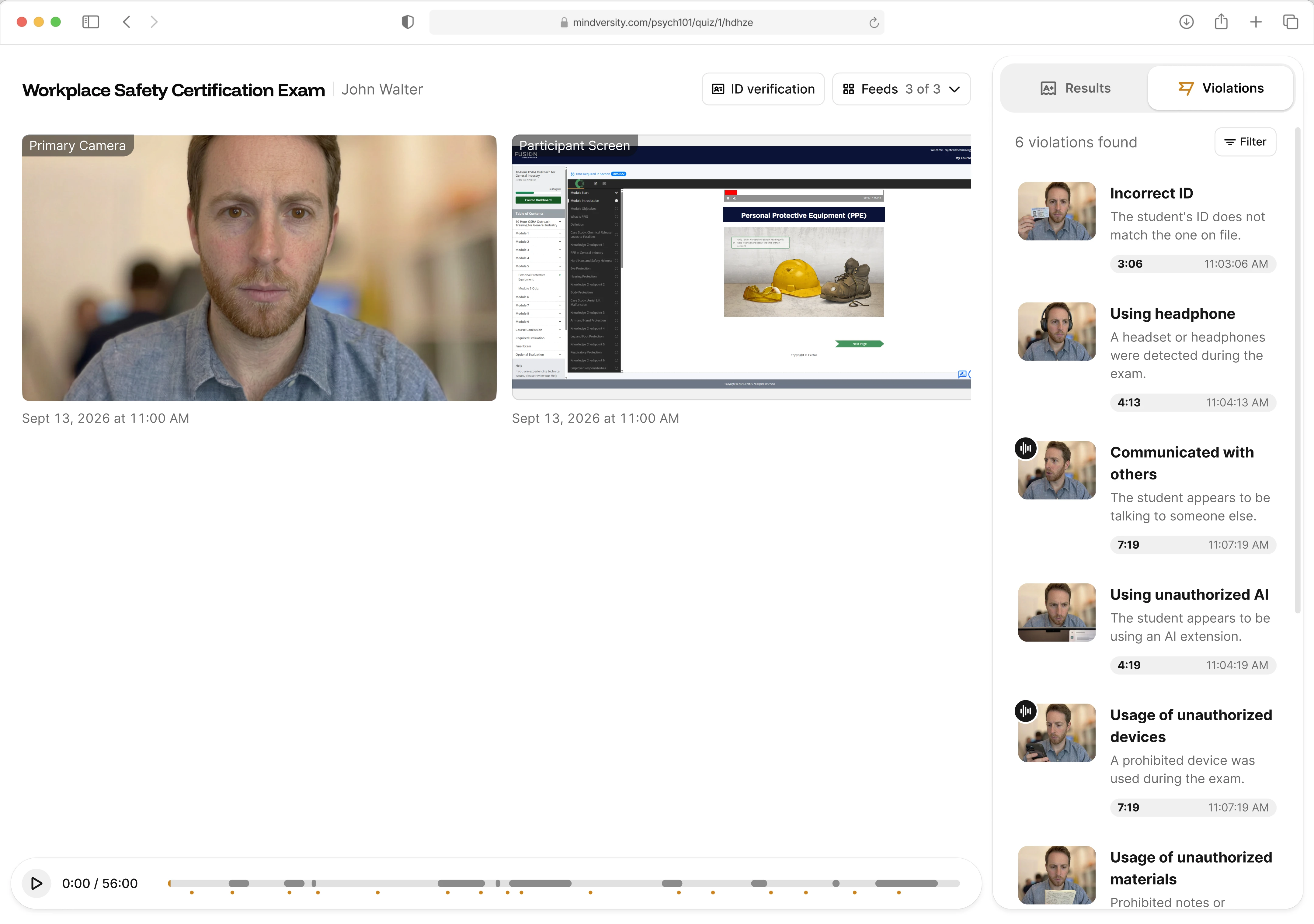
From the first quiz click to the result in your Moodle course, Integrity Advocate runs right inside the quiz. Learners have nothing to install, and every flag is checked by a trained person.
01 · Verify identity
Know who's taking the assessment.
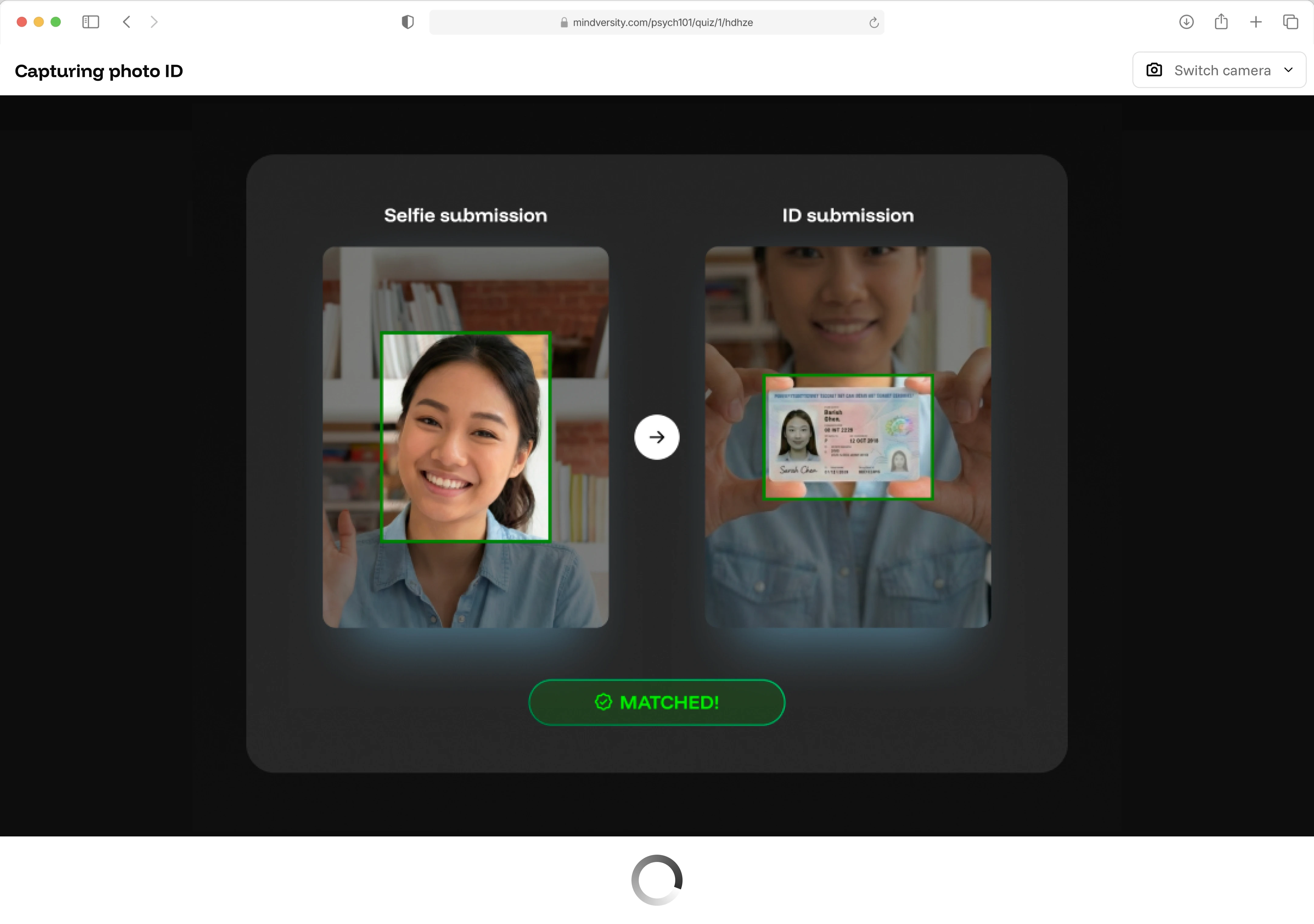
When a learner opens a proctored Moodle quiz, Integrity Advocate matches a quick photo to their ID before the first question. No account to create, nothing to download.
02 · Monitor assessments
Monitor to the rules you set
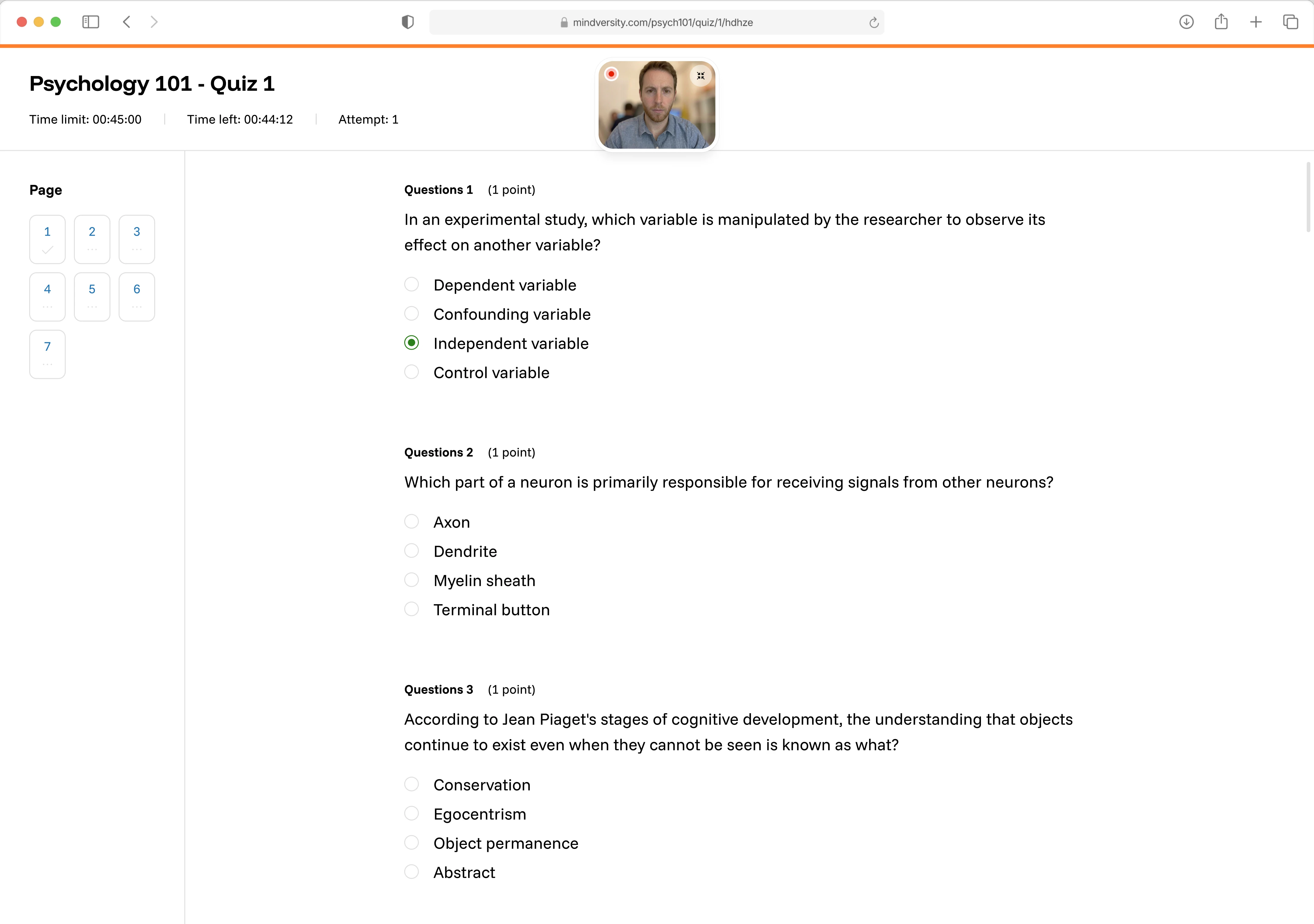
Instructors choose the rules for each Moodle activity. Integrity Advocate monitors the session in the learner's browser and records anything outside those rules for review.
03 · In-session alerts
Correct course in the moment
Browser prompts let test takers fix an issue, like stepping out of camera view, before it becomes a flag. They correct it and keep going.
04 · Human review
A trained person reviews every flag
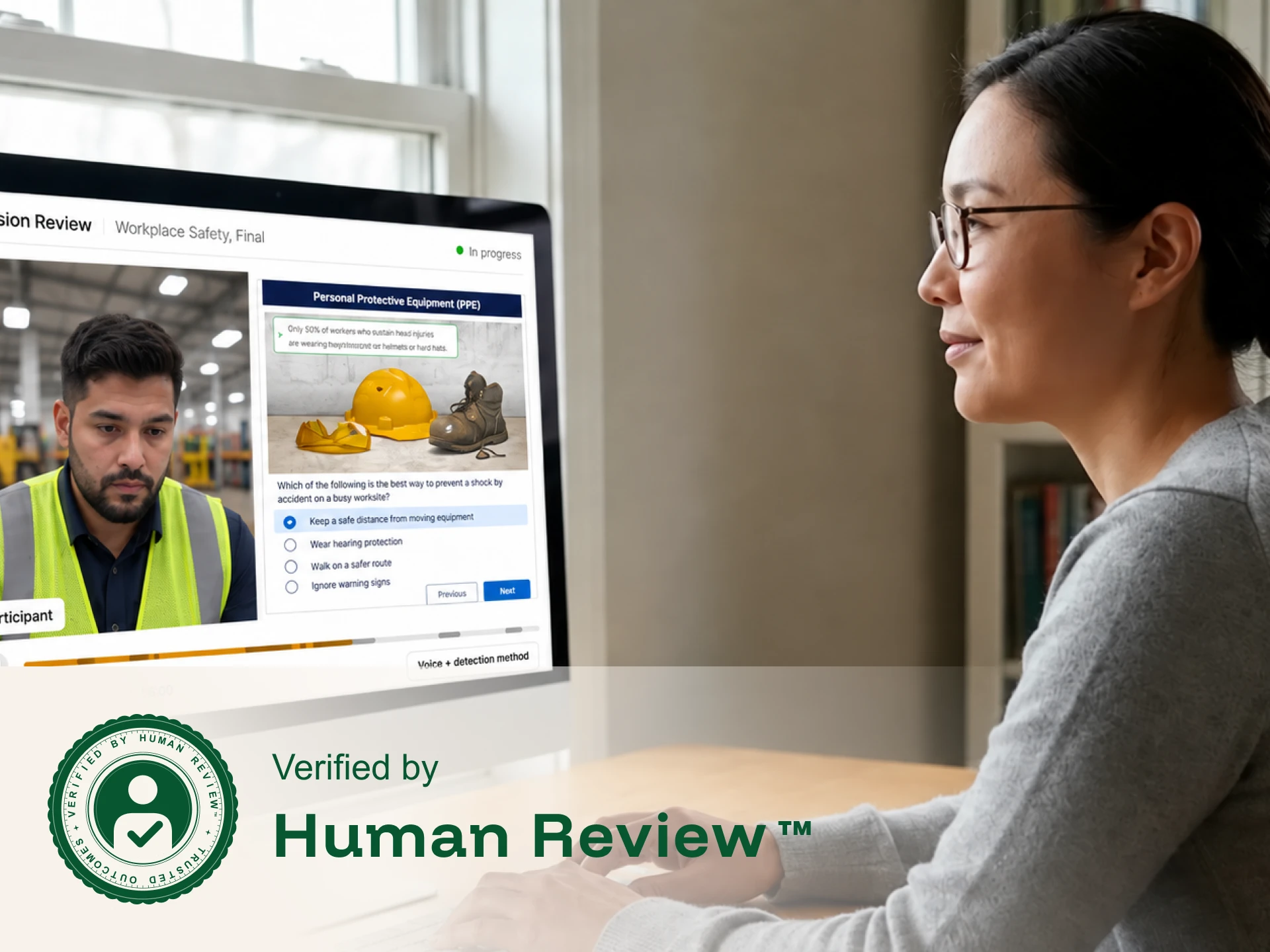
Every flagged session is reviewed by a trained person before a status reaches your Moodle course, so honest learners aren't penalized by a false flag.
05 · Documented outcomes
Results inside your Moodle course
See each learner's status in the Integrity Advocate block, review session images, and override a status when needed. Every decision is recorded, and statuses can sync to your gradebook.
TRUSTED BY PROGRAMS WORLDWIDE
Helping organizations deliver secure assessments with confidence
Over 10 million sessions proctored, zero breaches in 12+ years, 98% client retention, and the #1 spot on G2 for ease of use.
What do our clients say about us?
Very easy to install and easy to use with the LMS (MOODLE). Great customer service. We’re always able to reach out to the help desk support team and they respond within minutes.


Moodle
Moodle US named Integrity Advocate a solution partner in 2022. Moodle runs your courses. Integrity Advocate confirms who took the quiz and that the rules were followed, with a trained reviewer behind every flag.

Moodle & Integrity Advocate Resources
Setup guides, instructor walkthroughs, and best practices for secure assessments in Moodle.
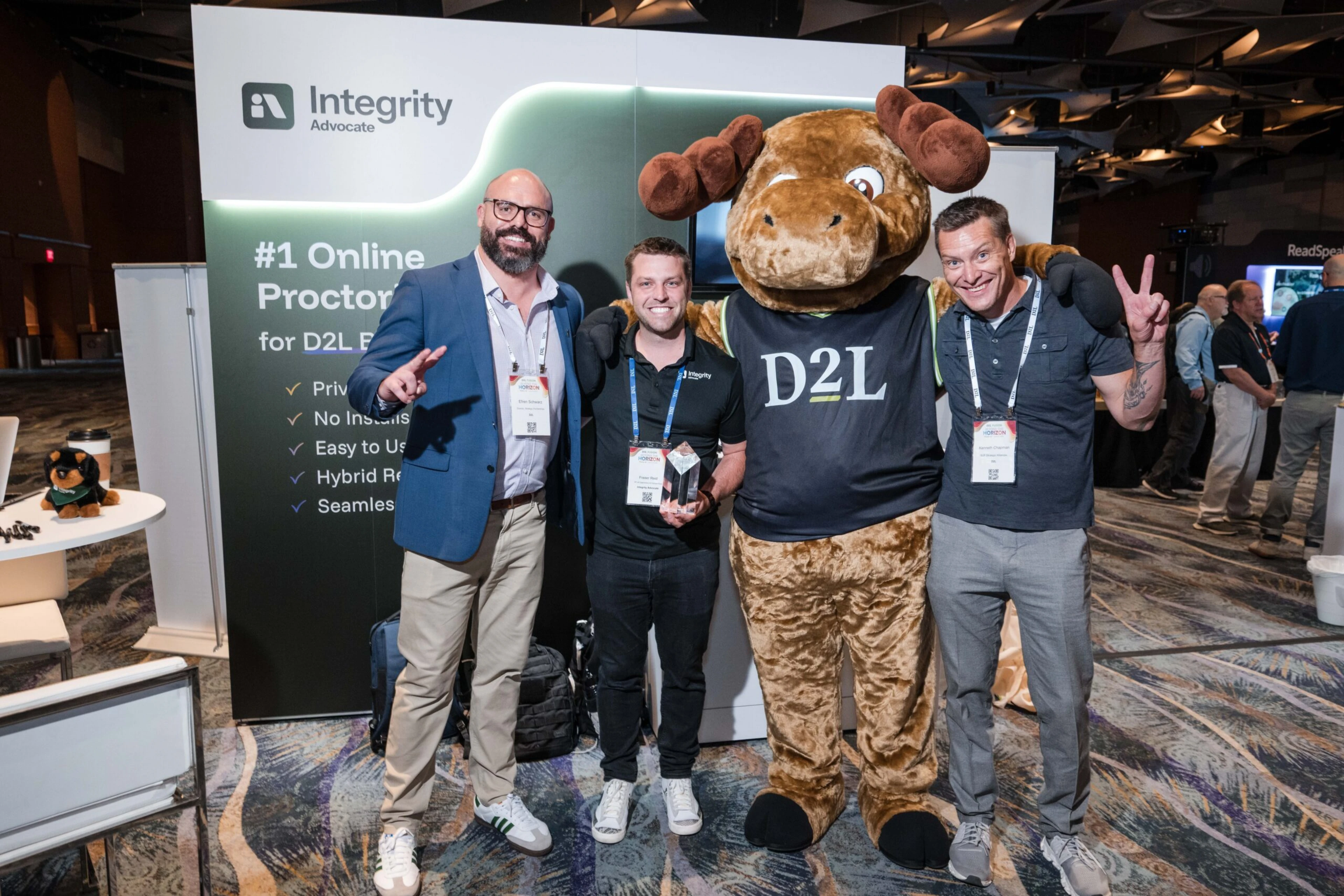
The Three Questions That Stayed With Us After D2L Fusion
July 20, 2026
|
5
min read
D2L Fusion 2026 reinforced a clear message for the future of education: innovation must be balanced with privacy, transparency, and human judgment. Inspired by three questions posed during the conference keynote, Integrity Advocate CEO Brandon Smith reflects on why responsible AI, Privacy by Design, and Verified by Human Review™ are essential to building trust and protecting assessment integrity in an AI-driven world.
Integrity Advocate Announces Integration with D2L Brightspace
June 26, 2024
|
2
min read
Integrity Advocate has announced a partnership with D2L, integrating identity verification, participation monitoring, ExposeAI detection, and live proctoring directly into D2L Brightspace. The integration requires no participant installation and generated a 0.65% support rate in 2023, giving Brightspace users a streamlined way to maintain assessment integrity against AI-powered cheating tools.
OnDemand Webinar: Smarter Safety, Health & Environmental Training Starts Here with D2L and Integrity Advocate
October 14, 2025
|
1
min read
The ANSI Z490.1-2024 update merges in-person and online Safety, Health and Environmental training requirements for the first time, raising the bar for verifiability, accountability, and audit-readiness. In this on-demand webinar hosted by D2L and Integrity Advocate, industry experts break down what has changed, why check-the-box safety training no longer meets compliance expectations, and how the D2L and Integrity Advocate integration delivers verifiable, learner-friendly SHE programs with identity verification, participation monitoring, and audit-ready documentation.
Häufig gestellte Fragen
Find answers to the most commonly asked questions.
Yes. It's a Moodle Certified Integration. The Integrity Advocate block adds proctoring to quizzes and shows results to instructors in the course.
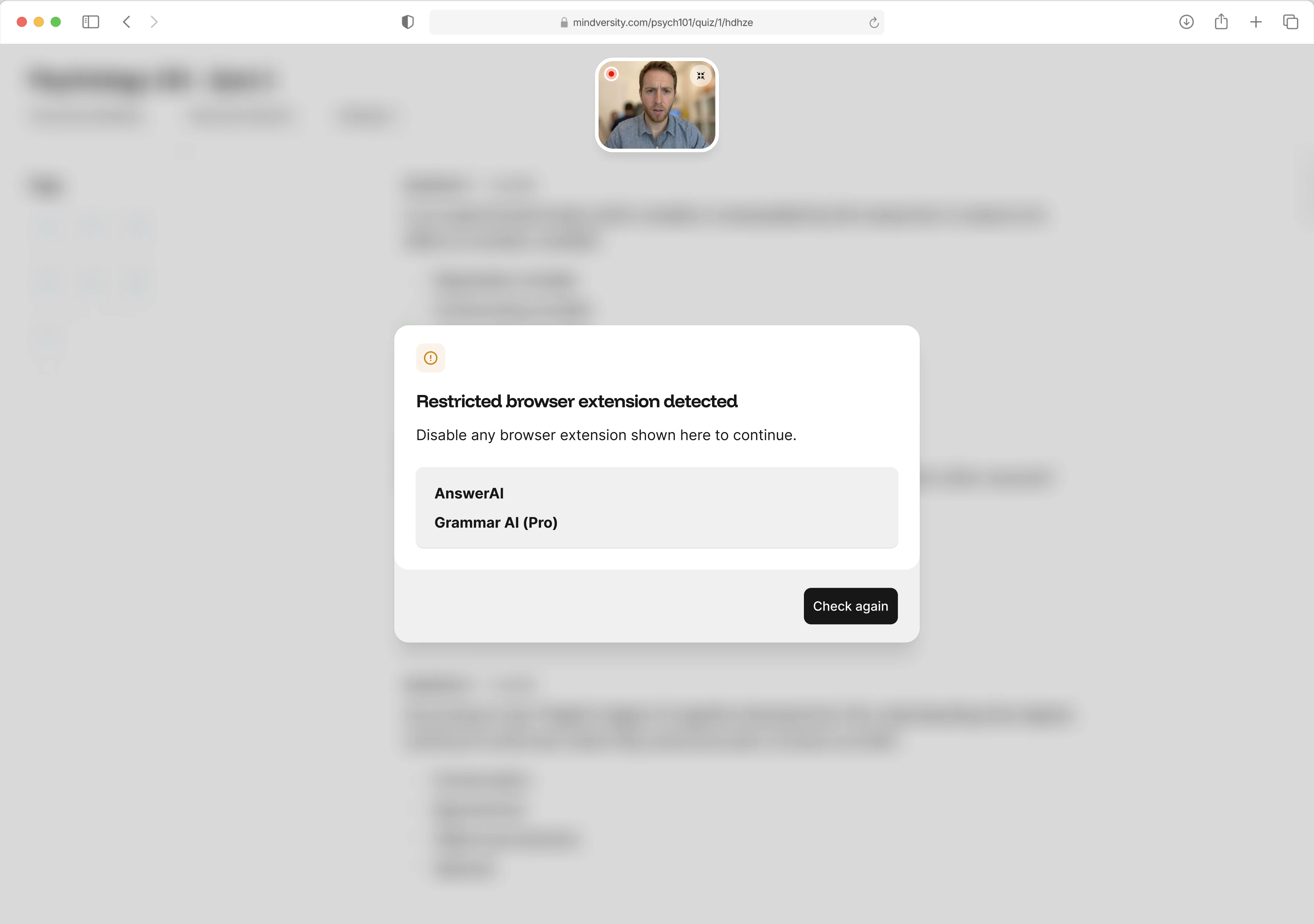
No. They need a camera-equipped device and an up-to-date browser. Ad blockers and privacy extensions should be off during the session.
Yes. Integrity Advocate also integrates with Open LMS, the Moodle-based platform.
AI surfaces potential concerns, and trained specialists review every flagged session. Instructors can override any status, and your program makes the final call.
An admin installs the block once. Instructors add it to a quiz, enter the credentials, and set the rules. The Moodle instructor guide walks through each step.