
Choose the platform that fits your assessment needs

ProctorLite provides baseline protection for low-stakes assessments, maintaining exam integrity while keeping the experience simple, straightforward, and cost-effective.
Get all the essentials in ProctorLite, including...
- Quick setup & deployment
- Identity verification
- Foundational flagging & monitoring
- Streamlined audit-ready reporting

ProctorPlus provides comprehensive monitoring with the flexibility most institutions need, balancing strong security controls with ease of use for mid-stakes assessments.
Includes everything in ProctorLite, plus...
- Broader flagging (external resources & messaging)
- Screen monitoring
- AI cheating detection
- Onscreen content protection
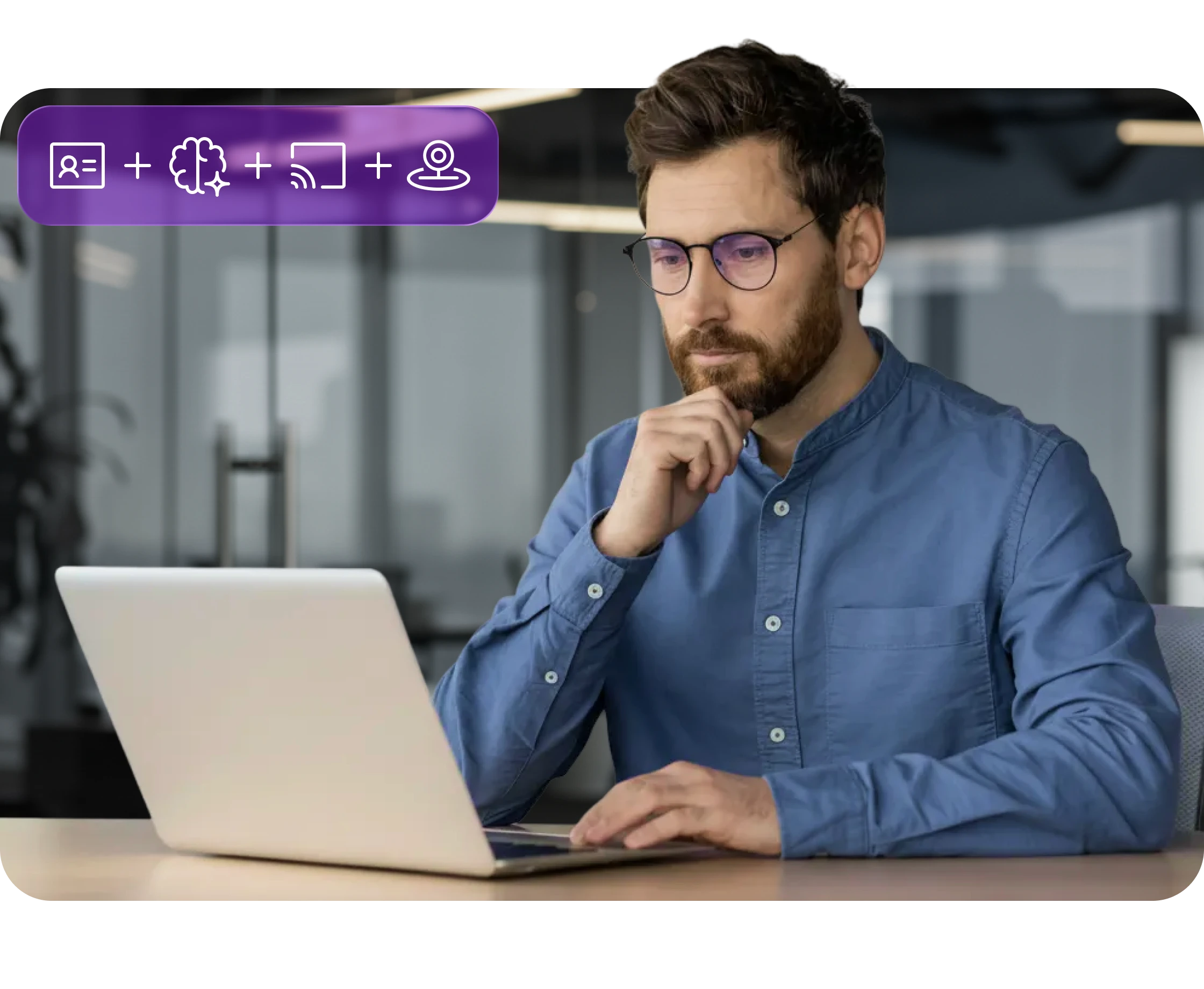
ProctorPro provides maximum protection for high-stakes assessments, delivering rigorous oversight with full flagging and monitoring capabilities, and advanced security features.
Includes everything in ProctorPlus, plus...
- Most extensive flagging (customizable)
- Video & audio feed for post-exam review
- Room-scan & second-camera
- Robust audit-ready reporting

OPTIONAL ADD-ON
Extend any product tier with credential protection
Pair any Integrity Advocate tier with Credential Protection, powered by Accredible, to extend trust beyond the assessment with secure, verifiable credentials backed by verified identity and human-reviewed outcomes.
VERIFIED BY HUMAN REVIEW™
Technology finds the signal. People make sense of it.
Integrity Advocate combines intelligent detection with trained human review. Every identity check, flag, and assessment outcome is evaluated in context, helping programs reach fair, consistent, and defensible decisions.
Integrates seamlessly with your LMS
Enable proctoring instantly across the platforms you already use.
How Integrity Advocate secures your online assessments
Our privacy-first, human-backed approach to online proctoring is built to deliver secure, trustworthy assessments while safeguarding the integrity of both the exam and the exam taker.
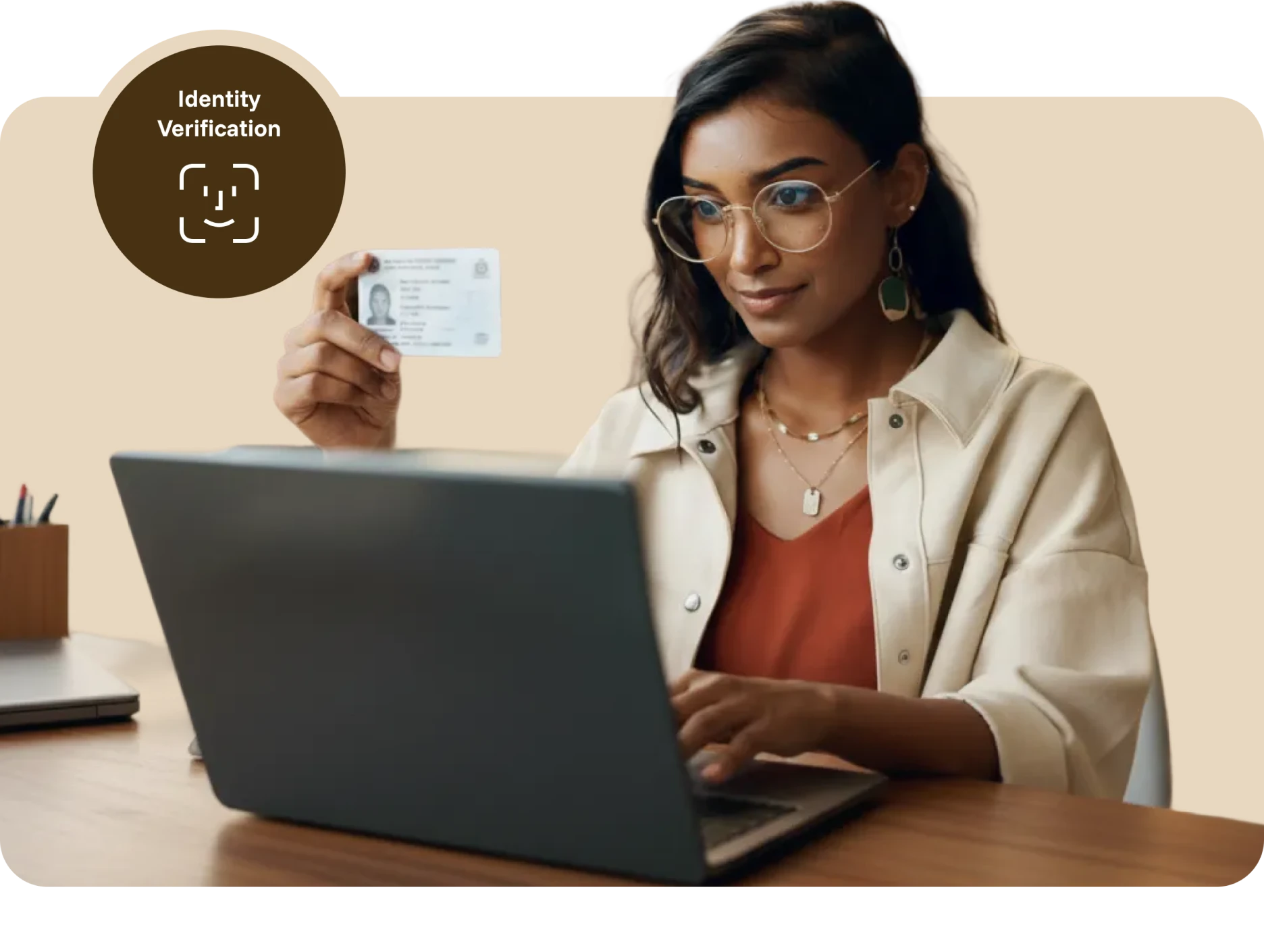
ID VERIFICATION
Confirm the right participant is taking the assessment
Before the assessment begins, participants capture a photo of themselves and an accepted form of identification. A trained reviewer verifies the photo, name, and ID details, providing a documented identity check before the assessment begins.
Capture a clear participant photo
Capture an accepted form of ID
Verify the participant’s identity
Flagging
Detect and flag potential violations
AI identifies potential violations and routes them to trained reviewers, who evaluate each moment in context. Confirmed flags include timestamped evidence, helping administrators make fair, consistent, and defensible decisions.
Violations we commonly flag for
Leaving camera view
External resources accessed
Disconnecting from the session
Other participants present
Active AI applications detected
Leaving full screen mode
Headphone or earbud use
Remote access applications running
Multiple screens/monitors in use
Electronic devices visible (phones, tablets, or smart devices)
Messaging applications open (Zoom, Slack, Discord, etc.)
Screen sharing stopped
COMPREHENSIVE PROCTORING
Multi-source participant monitoring
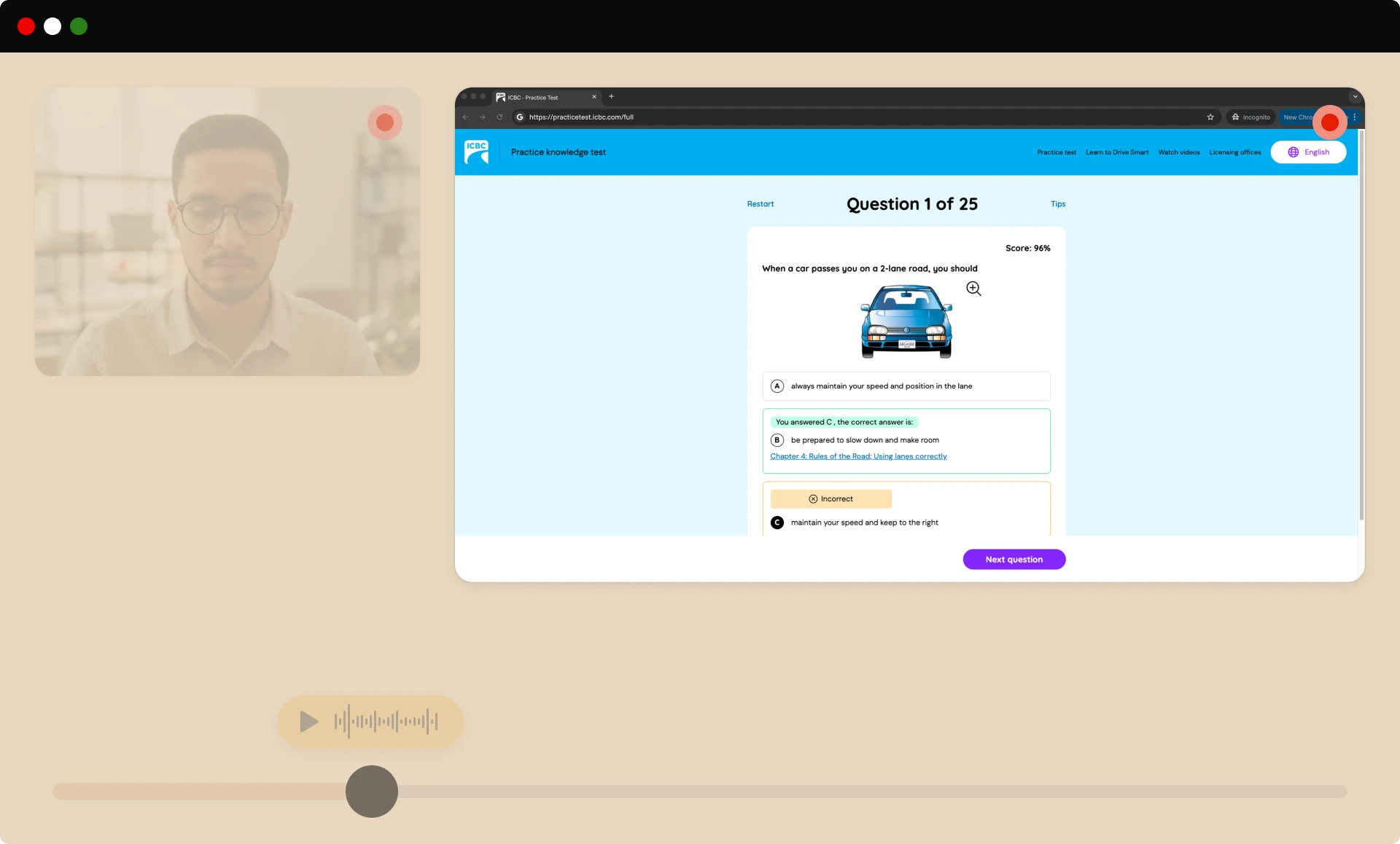
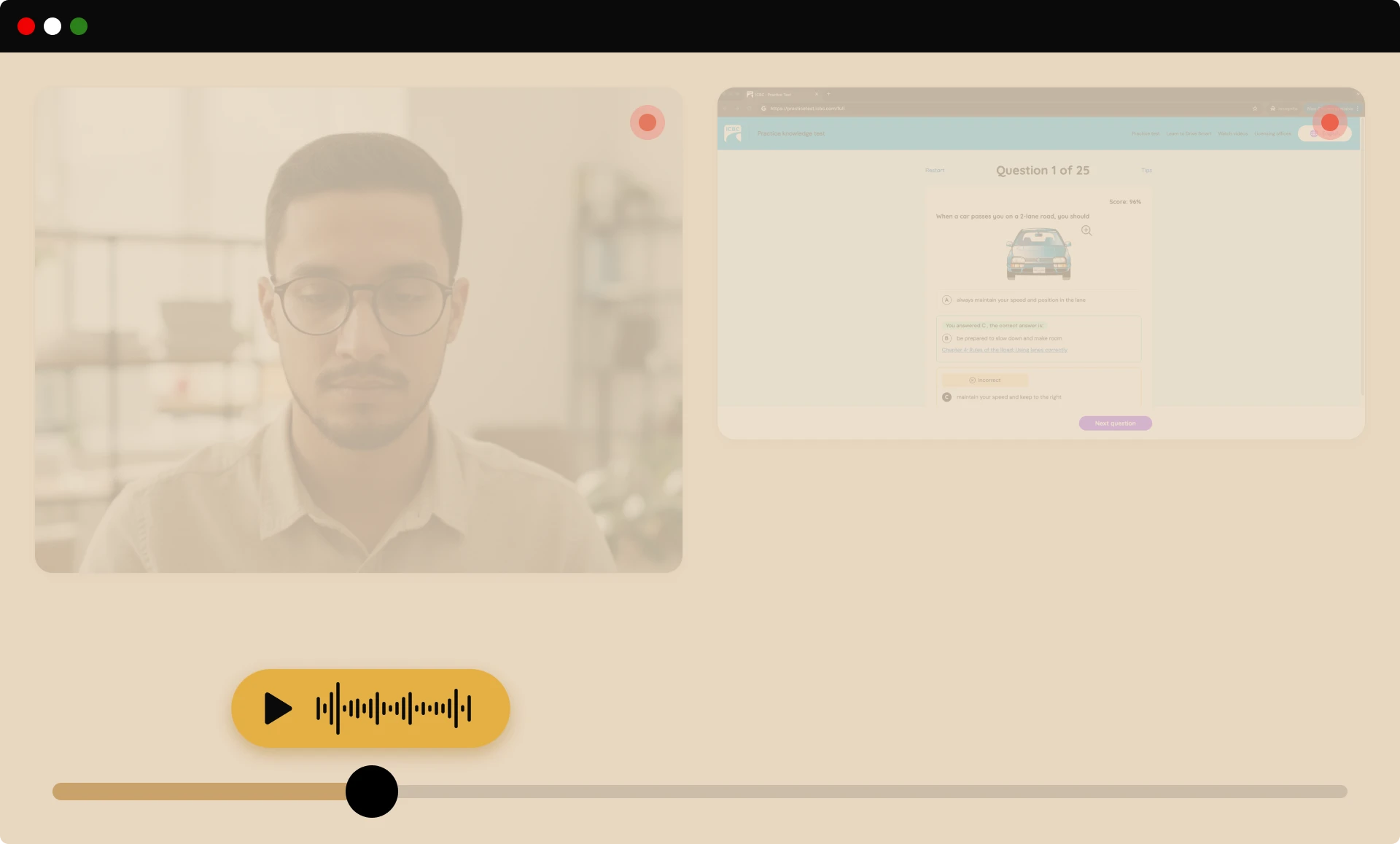
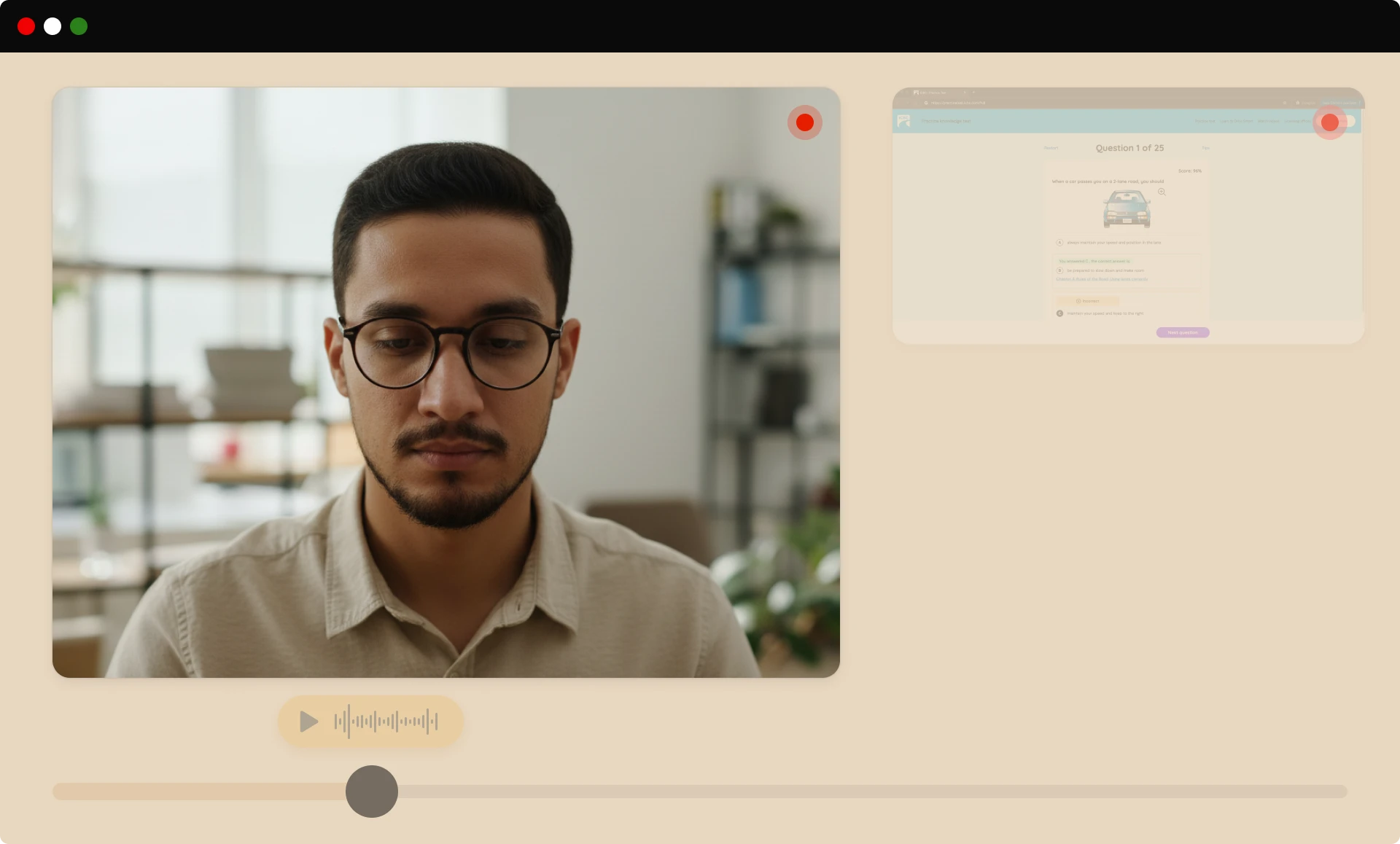
We capture the video, audio, and on-screen activity needed for review, providing a thorough view of each session so reviewers can make clear, unbiased decisions without storing unnecessary personal data.
SECURITY FEATURES
Advanced security features
Our flexible security layers scale with your risk level, from basic monitoring to maximum protection for high-stakes assessments.
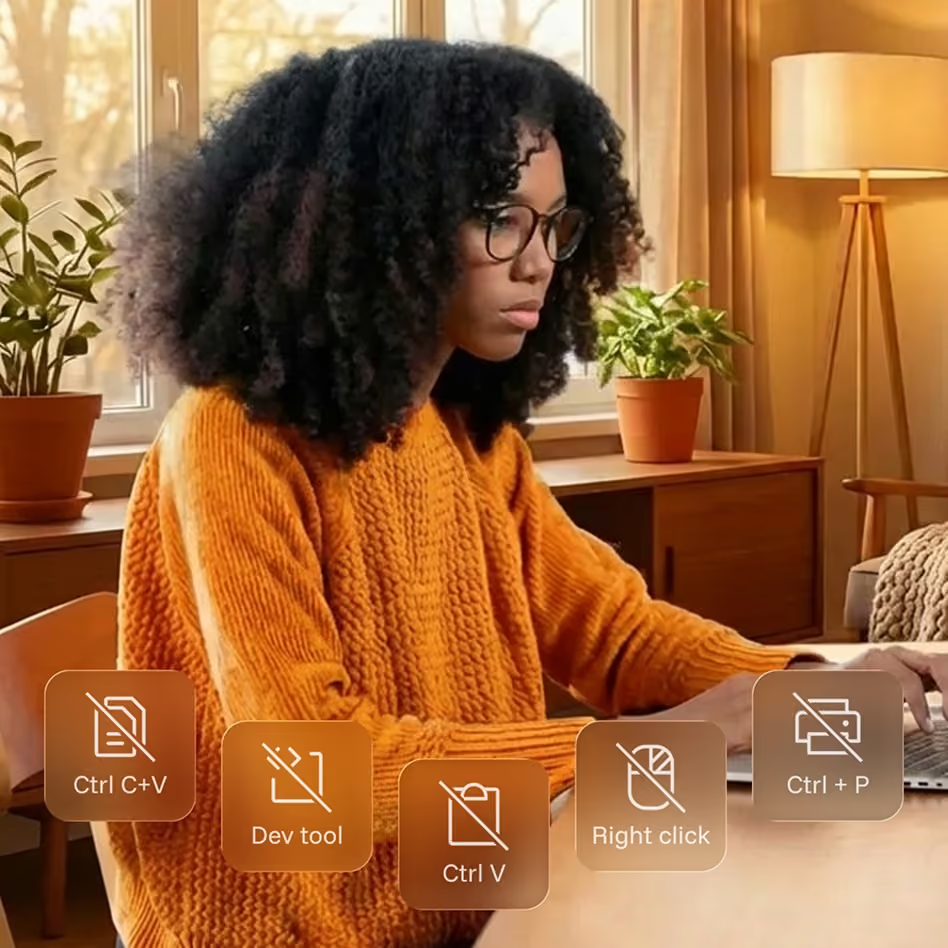
Onscreen content protection
Blocks risky on-screen actions, like copying, printing, and shortcuts that could enable cheating or content theft, keeping test content secure throughout the exam.
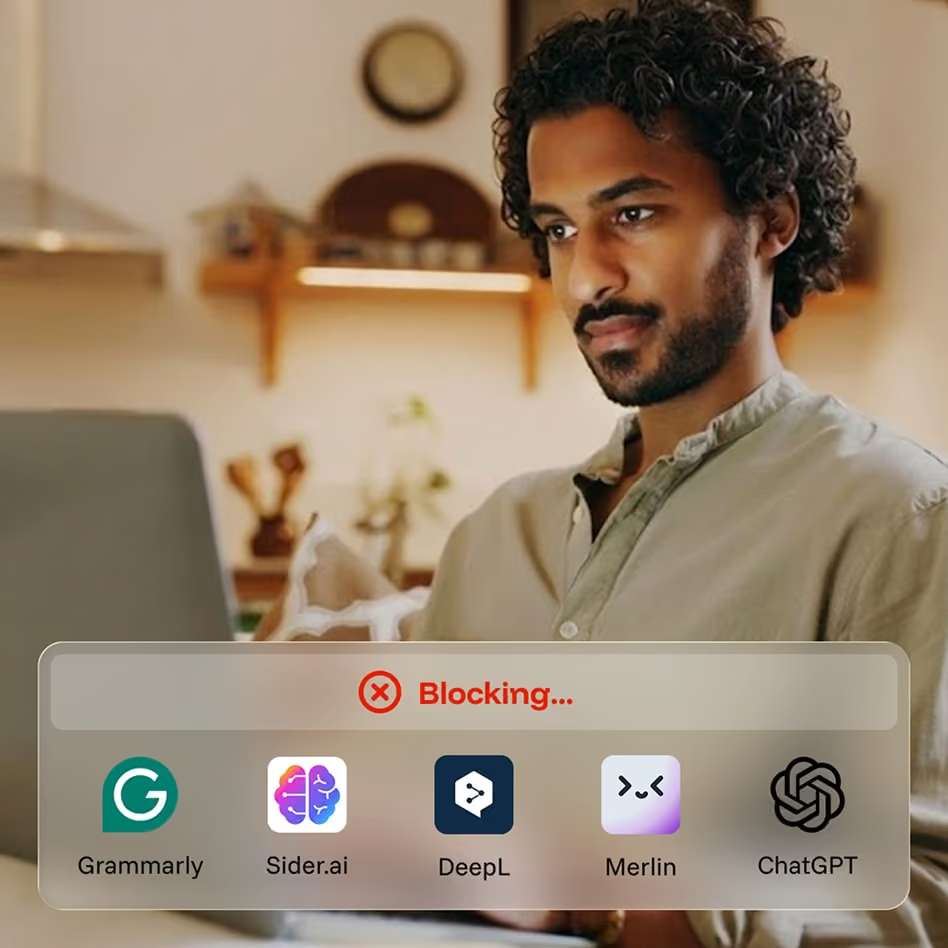
CounterAI™
Monitors behavior and patterns to spot likely use of generative AI tools, helping you protect exam validity as AI-assisted cheating continues to evolve.

Room scan
Before the exam begins, test-takers pan their camera to show their workspace, confirming there are no unauthorized materials while minimizing extra personal data captured.

Second camera
An optional second camera provides a wider view of the testing space for high-stakes exams, adding another layer of oversight without disrupting the test-taker’s experience.
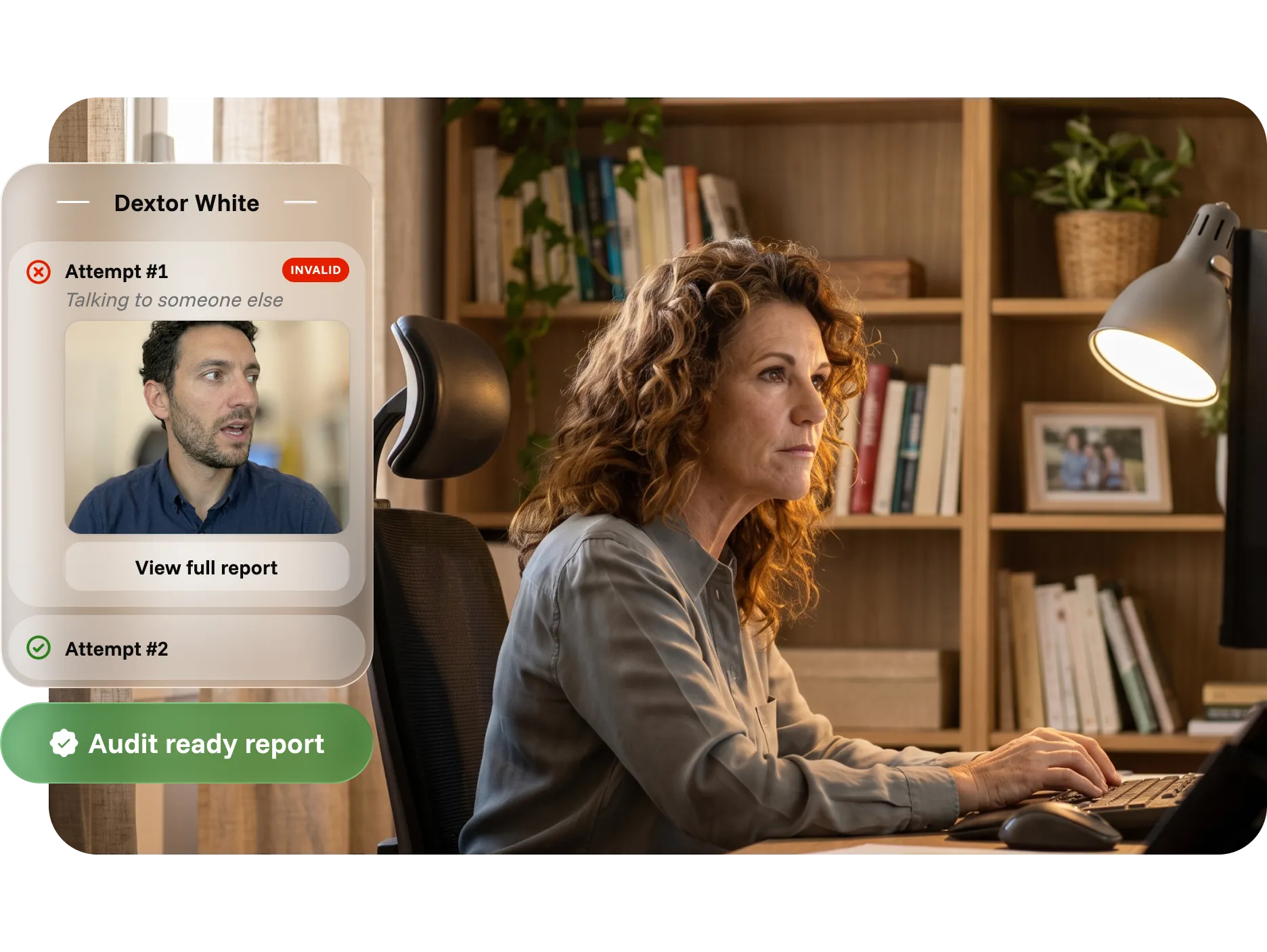
INTUITIVE REPORTING
Time-saving, audit-ready reports for admins
Reports bring identity records, session activity, flags, and reviewer findings into one clear, exportable record, reducing manual work and helping teams respond faster.
Defend outcomes with timestamped identity, activity, and photo records
Resolve disputes with video evidence and documented reviewer findings
Support compliance and audits with structured, exportable data

Resources for online proctoring
Explore our latest educational resources and industry insights on online assessments security and identity verification.

Why Hybrid AI + Human Review Delivers Fairer, More Accurate Proctoring
December 10, 2025
|
6
min read
AI-only proctoring is fast but context-blind, flagging neurodivergent behaviors, assistive technology, and environmental interruptions as suspicious. Human-only proctoring is fair but cannot scale consistently or cost-effectively. Hybrid AI plus human review combines the speed and pattern recognition of automation with the contextual judgment, empathy, and accountability that only people can provide. This post examines where each model falls short, what hybrid review actually delivers, and why it is becoming the baseline expectation for institutions that need proctoring to be both strong and humane.

Why Ease of Use & No-Install Proctoring Matters More Than Ever
December 11, 2025
|
4
min read
Proctoring works best when it is almost invisible. When the first interaction a learner has with a proctoring tool involves downloading a launcher, requesting elevated permissions, or troubleshooting errors, it introduces friction before a single question is answered. That friction drives anxiety, failed assessment starts, elevated support tickets, and lower perceived fairness. This post examines why ease of use has become a competitive advantage in proctoring, how no-install design reduces friction while maintaining integrity, and what the market is actually asking for as institutions rethink their assessment experience in 2026.
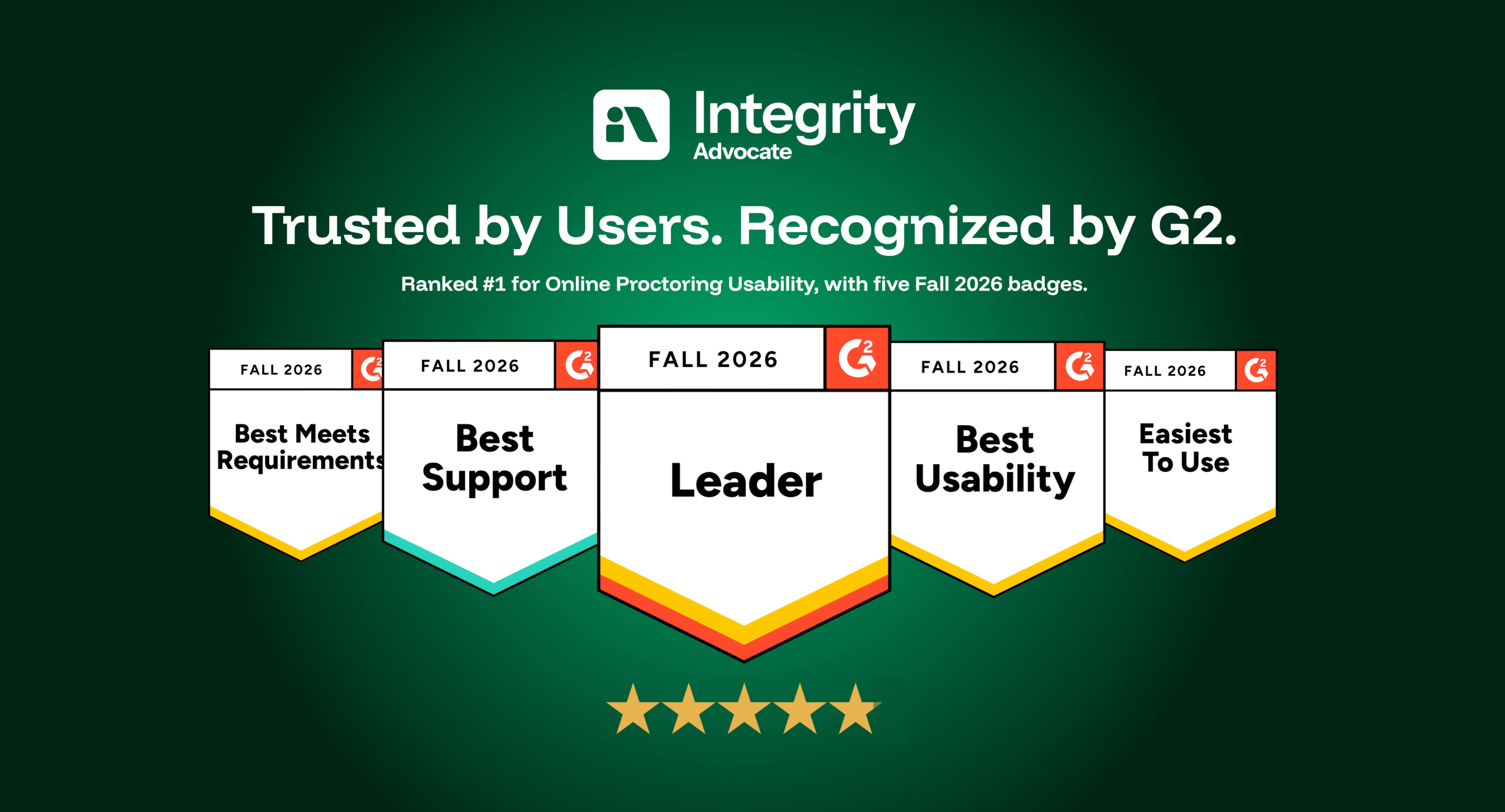
Integrity Advocate Ranks #1 for Online Proctoring Usability for the Third Consecutive Season
September 2, 2026
|
9
min read
Integrity Advocate has been ranked #1 for Online Proctoring Usability on G2 for the third consecutive season. Based on verified customer feedback, we also earned five Fall 2026 badges recognizing usability, ease of use, support, and overall leadership.
Preguntas frecuentes
Find answers to common questions about our products, features, integrations, and approach to assessment integrity.
It depends on the level of security your assessment requires.
- Integrity ProctorLite is designed for low-stakes assessments where identity verification and foundational monitoring are sufficient.
- Integrity ProctorPlus is ideal for most certification, workforce, and higher education assessments that require additional monitoring and AI-assisted flagging.
- Integrity ProctorPro provides the highest level of protection with advanced security features like CounterAI™, room scans, second camera support, and comprehensive monitoring for high-stakes exams.
If you're unsure, our team can recommend the right tier based on your assessment type, risk level, and compliance requirements.
Integrity Advocate combines browser-based simplicity, privacy-first technology, and trained human review. There is nothing to install, and participants can launch directly from their browser on supported devices.
AI identifies activity that may require attention, while trained reviewers evaluate each moment in context. This reduces false positives and gives your organization clear, defensible evidence.
Yes. Integrity Advocate integrates with Accredible to extend trust beyond the assessment.
Verified assessment results can be used to issue secure digital credentials protected with credential-level identity verification and fraud prevention. Together, Integrity Advocate and Accredible create a continuous chain of trust from exam to credential.
Learn more on our Credential Protection page or contact us to discuss adding Accredible to your implementation.
Yes. Integrity Advocate integrates with many of today's leading learning platforms, including D2L Brightspace, Canvas, Moodle, TopClass LMS, TalentLMS, Thought Industries, Atomic Jolt, and more.
Our browser-based approach allows institutions to launch secure assessments directly from their existing learning environment, minimizing implementation time and reducing support requests.
No. Integrity Advocate is completely browser based. Participants can launch assessments without downloading software, installing browser extensions, or visiting an app store, creating a faster and more accessible experience.
Yes. AI helps identify activity that may require attention, but trained human reviewers evaluate each flagged moment in context before results are delivered. This helps reduce false positives and gives administrators fair, consistent, and documented outcomes.