Ease of Use
+7 pts above avg
95%
IA
95%
AVG
88%

THE INTEGRITY ADVOCATE PLATFORM
Three flexible proctoring tiers with no installation required, built for any device, designed to protect privacy, and Verified by Human Review™ for results you can trust.

ProctorLite provides baseline protection for low-stakes assessments, maintaining exam integrity while keeping the experience simple, straightforward, and cost-effective.
Get all the essentials in ProctorLite, including...

ProctorPlus provides comprehensive monitoring with the flexibility most institutions need, balancing strong security controls with ease of use for mid-stakes assessments.
Includes everything in ProctorLite, plus...
ProctorPro provides maximum protection for high-stakes assessments, delivering rigorous oversight with full flagging and monitoring capabilities, and advanced security features.
Includes everything in ProctorPlus, plus...
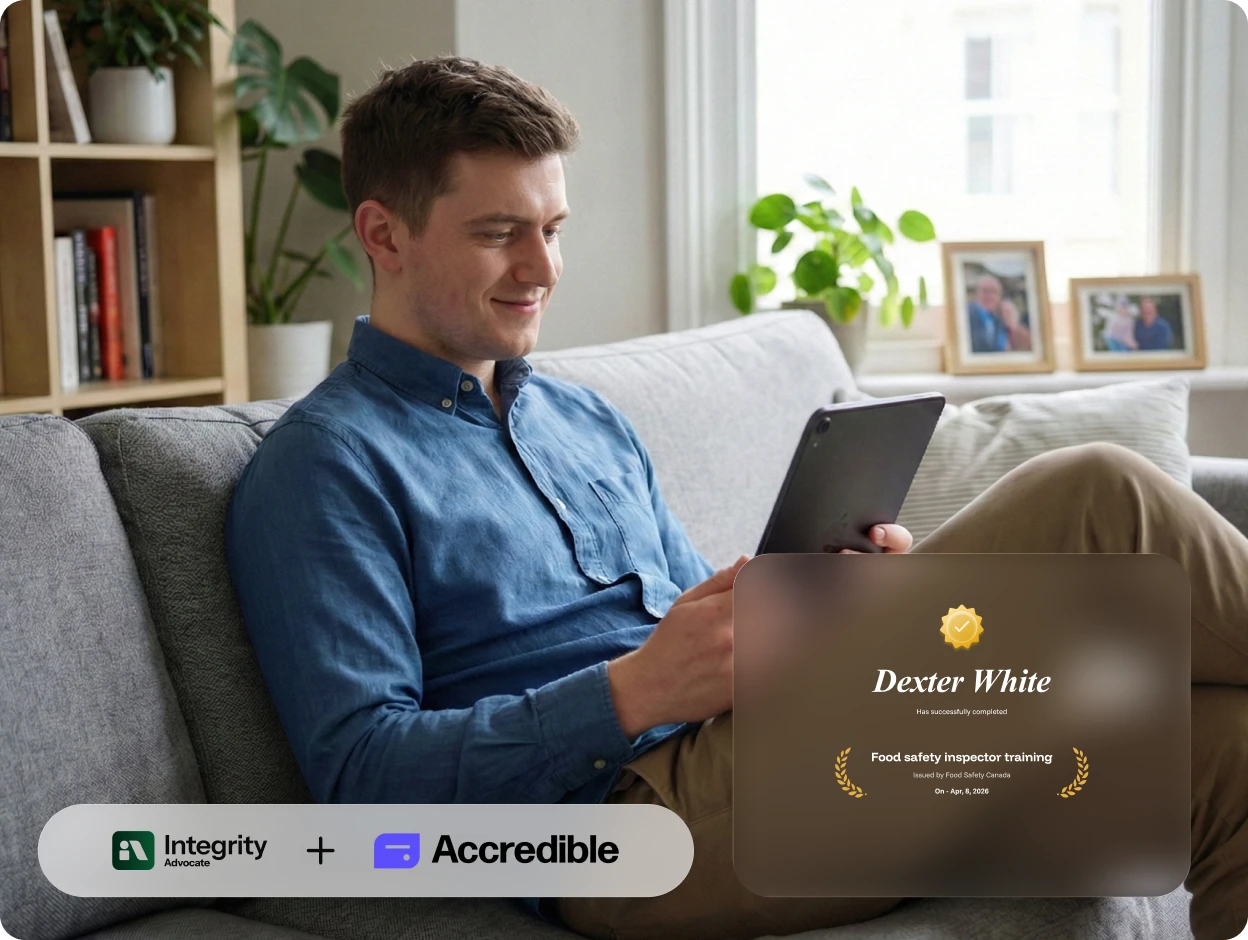
OPTIONAL ADD-ON
Pair any Integrity Advocate tier with Credential Protection, powered by Accredible, to extend trust beyond the assessment with secure, verifiable credentials backed by verified identity and human-reviewed outcomes.
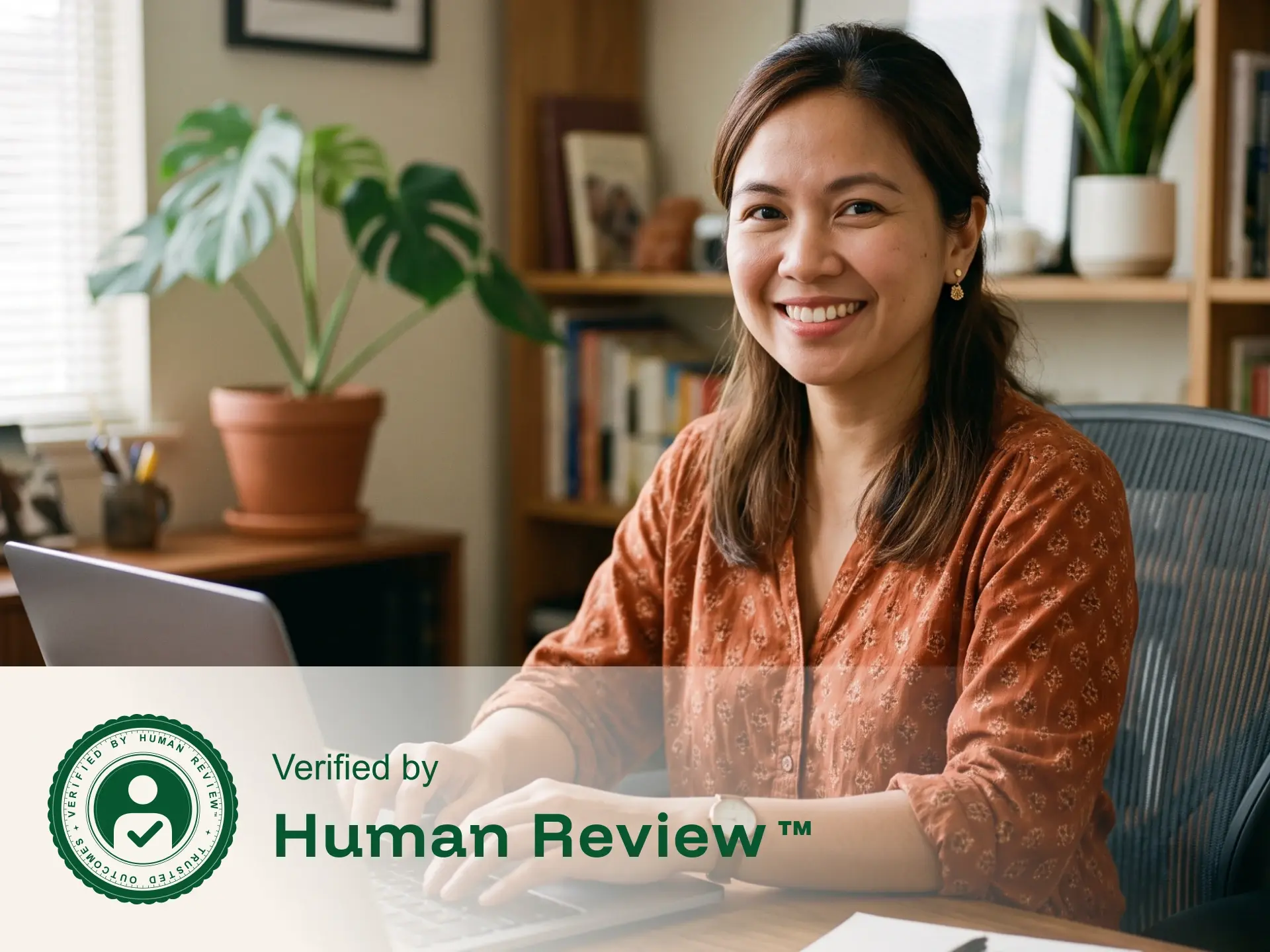
VERIFIED BY HUMAN REVIEW™
Integrity Advocate combines intelligent detection with trained human review. Every identity check, flag, and assessment outcome is evaluated in context, helping programs reach fair, consistent, and defensible decisions.
Enable proctoring instantly across the platforms you already use.
Our privacy-first, human-backed approach to online proctoring is built to deliver secure, trustworthy assessments while safeguarding the integrity of both the exam and the exam taker.
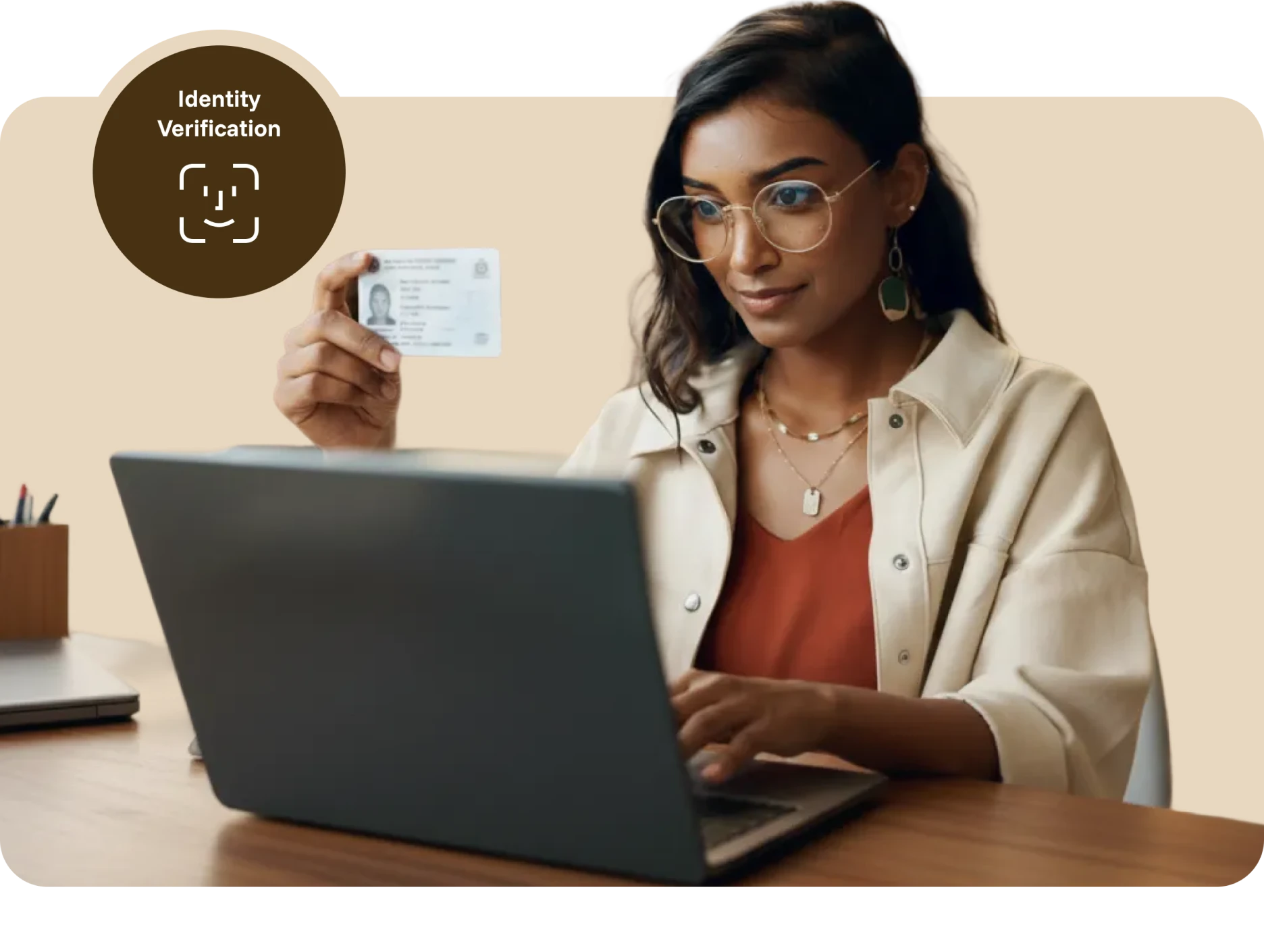
ID VERIFICATION
Before the assessment begins, participants capture a photo of themselves and an accepted form of identification. A trained reviewer verifies the photo, name, and ID details, providing a documented identity check before the assessment begins.
Capture a clear participant photo
Capture an accepted form of ID
Verify the participant’s identity
Flagging
AI identifies potential violations and routes them to trained reviewers, who evaluate each moment in context. Confirmed flags include timestamped evidence, helping administrators make fair, consistent, and defensible decisions.
Leaving camera view
External resources accessed
Disconnecting from the session
Other participants present
Active AI applications detected
Leaving full screen mode
Headphone or earbud use
Remote access applications running
Multiple screens/monitors in use
Electronic devices visible (phones, tablets, or smart devices)
Messaging applications open (Zoom, Slack, Discord, etc.)
Screen sharing stopped
COMPREHENSIVE PROCTORING
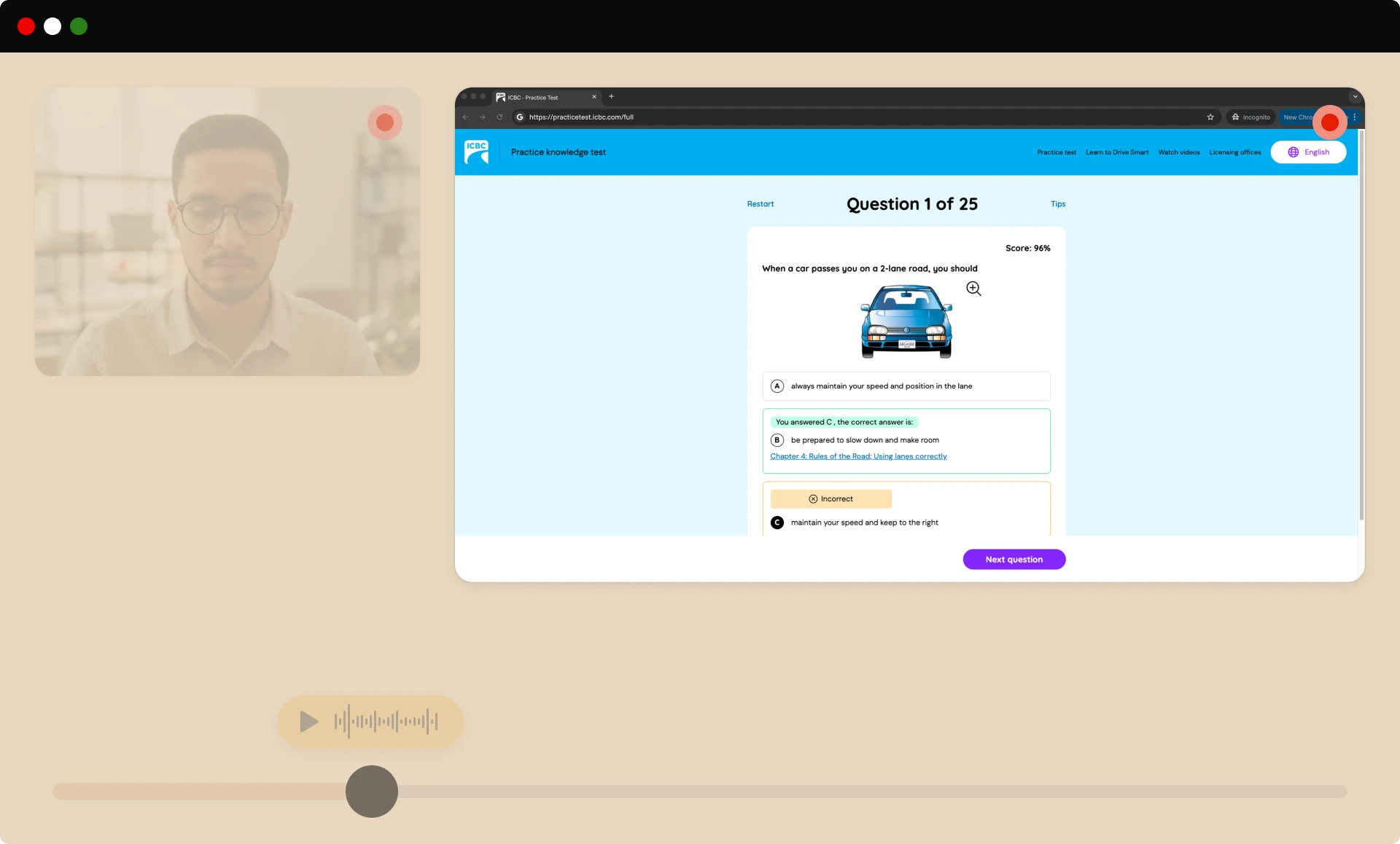
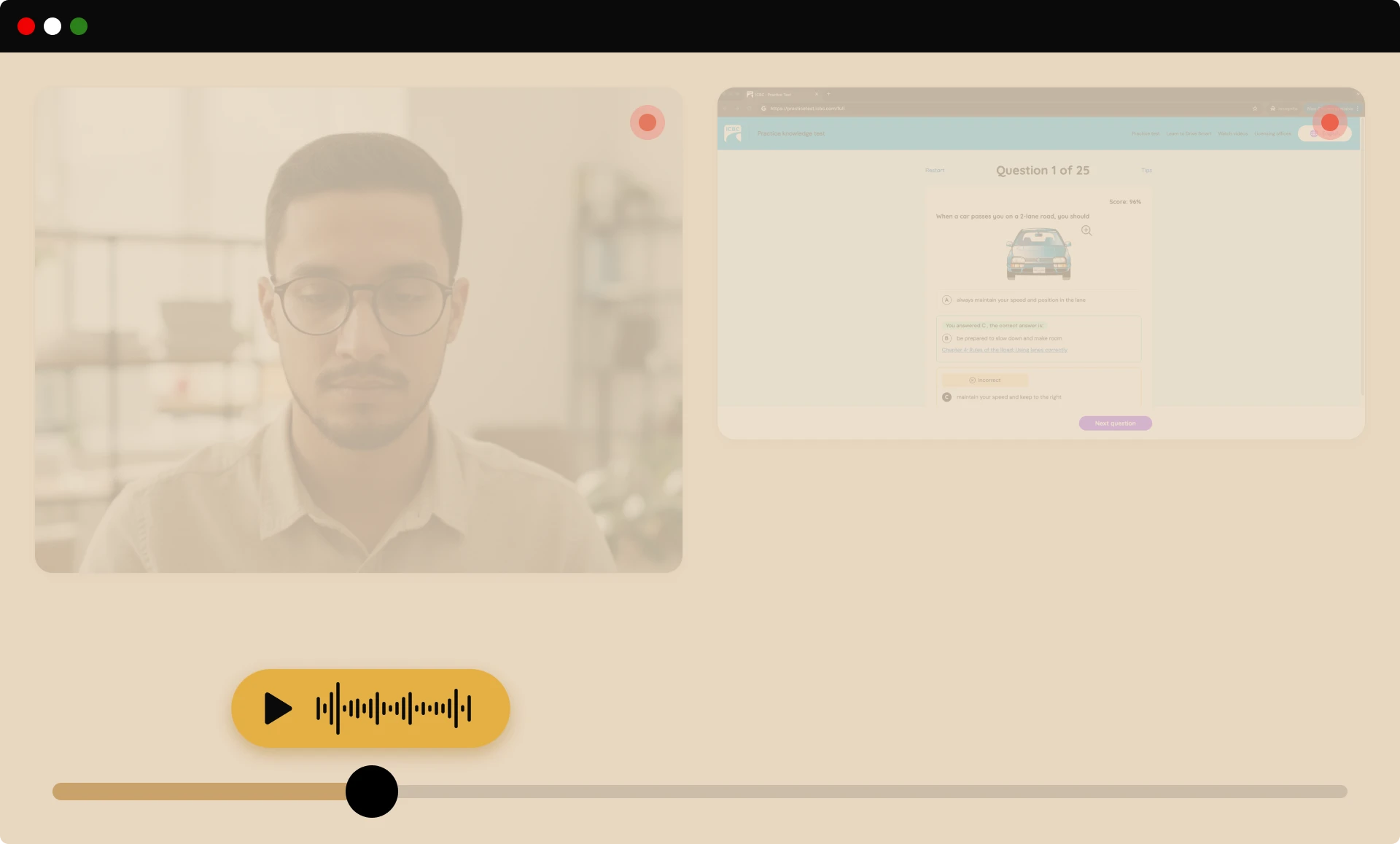
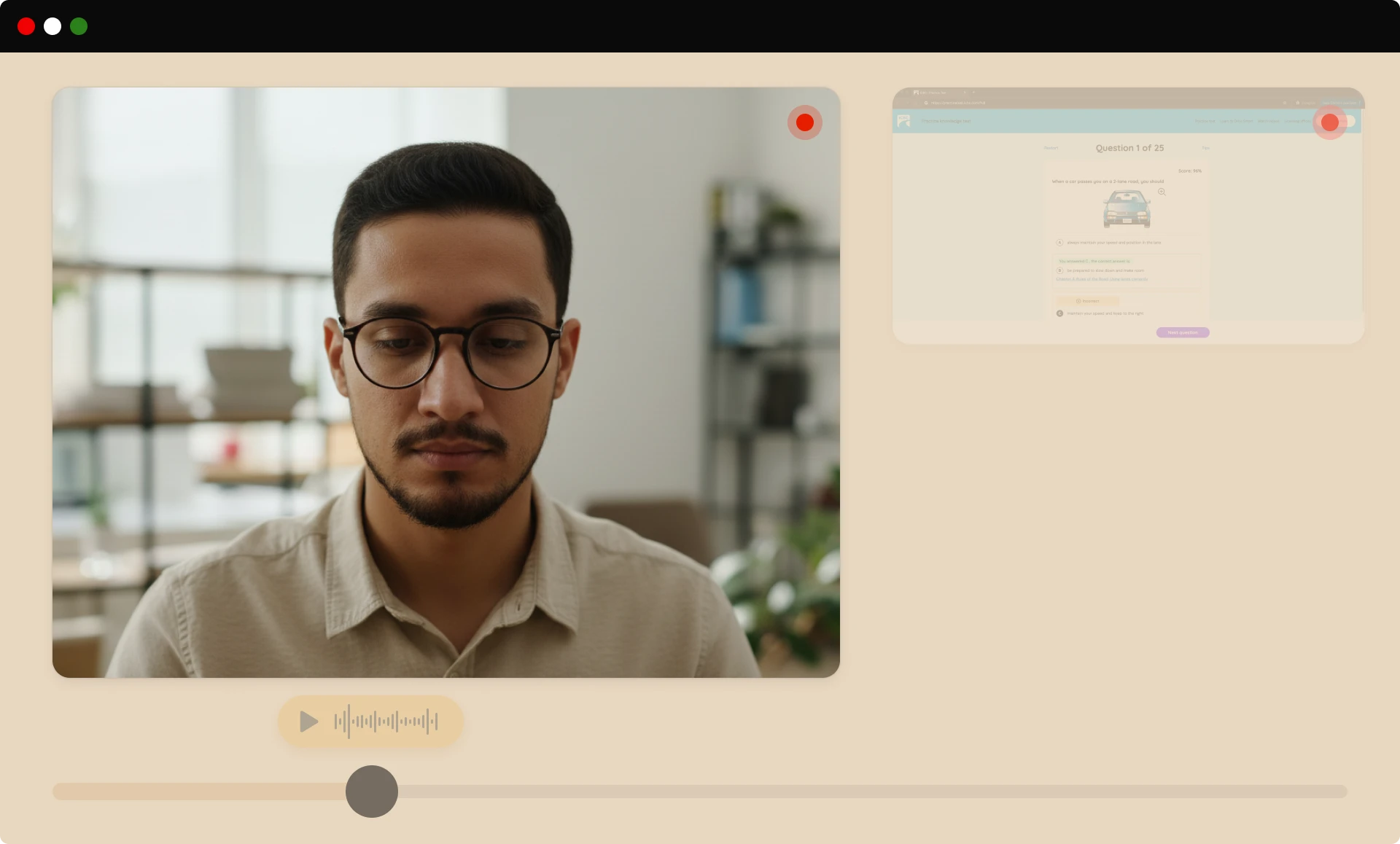
We capture the video, audio, and on-screen activity needed for review, providing a thorough view of each session so reviewers can make clear, unbiased decisions without storing unnecessary personal data.
SECURITY FEATURES
Our flexible security layers scale with your risk level, from basic monitoring to maximum protection for high-stakes assessments.
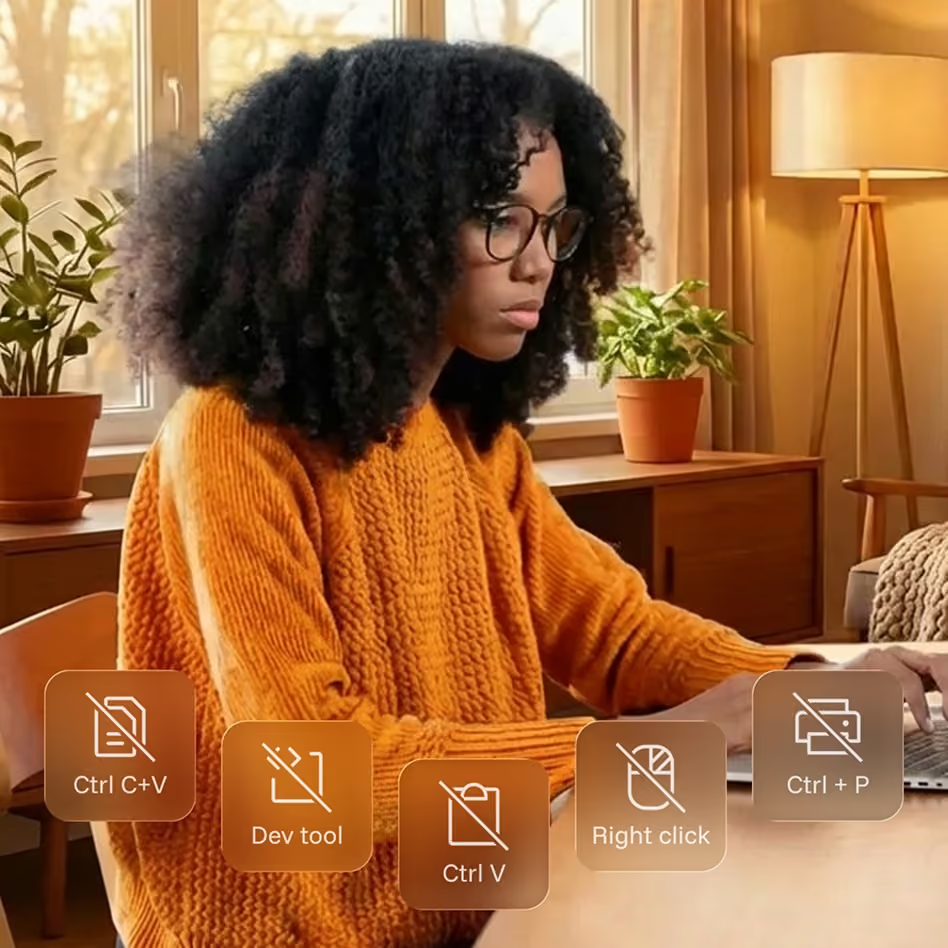
Blocks risky on-screen actions, like copying, printing, and shortcuts that could enable cheating or content theft, keeping test content secure throughout the exam.
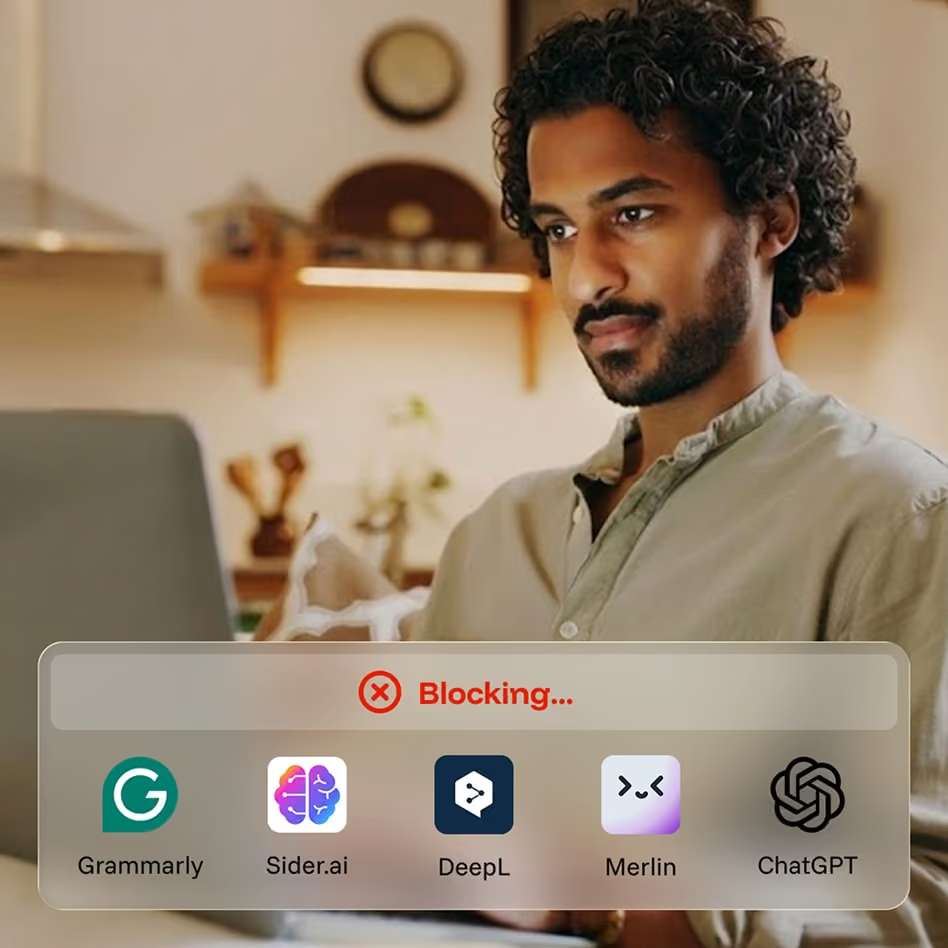
Monitors behavior and patterns to spot likely use of generative AI tools, helping you protect exam validity as AI-assisted cheating continues to evolve.

Before the exam begins, test-takers pan their camera to show their workspace, confirming there are no unauthorized materials while minimizing extra personal data captured.

An optional second camera provides a wider view of the testing space for high-stakes exams, adding another layer of oversight without disrupting the test-taker’s experience.
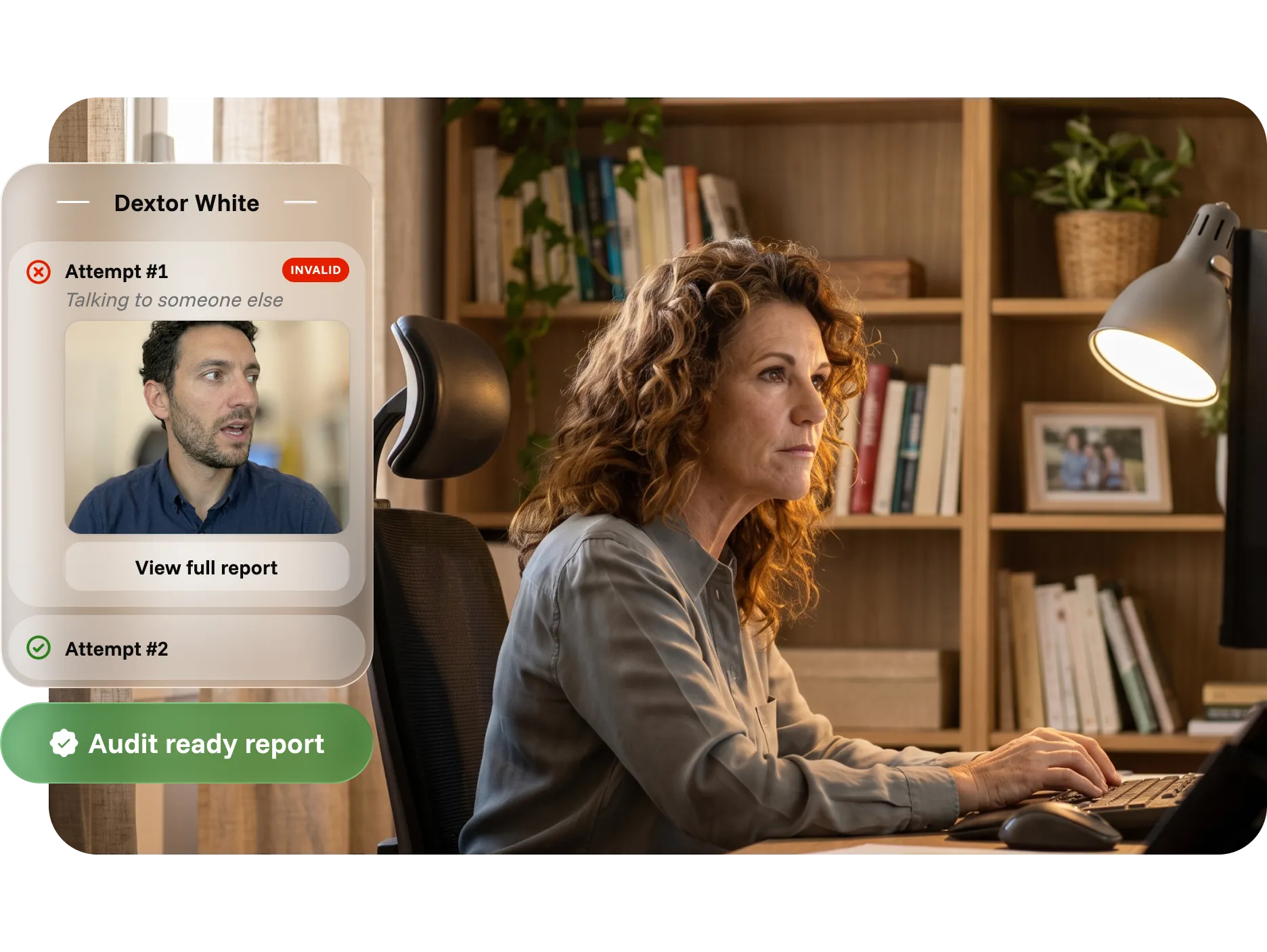
INTUITIVE REPORTING
Reports bring identity records, session activity, flags, and reviewer findings into one clear, exportable record, reducing manual work and helping teams respond faster.
Defend outcomes with timestamped identity, activity, and photo records
Resolve disputes with video evidence and documented reviewer findings
Support compliance and audits with structured, exportable data

Explore our latest educational resources and industry insights on online assessments security and identity verification.

December 11, 2025
|
5 min read
Proctoring works best when it is almost invisible. When the first interaction a learner has with a proctoring tool involves downloading a launcher, requesting elevated permissions, or troubleshooting errors, it introduces friction before a single question is answered. That friction drives anxiety, failed assessment starts, elevated support tickets, and lower perceived fairness. This post examines why ease of use has become a competitive advantage in proctoring, how no-install design reduces friction while maintaining integrity, and what the market is actually asking for as institutions rethink their assessment experience in 2026.
Proctoring isn’t just about catching cheaters, it’s about creating an experience that preserves trust, reduces barriers, and supports learners as they engage with assessments. As remote and hybrid testing become standard across education and workforce programs, one trend stands out: ease of use has become a competitive advantage in proctoring.
Proctoring works best when it’s almost invisible. It should quietly protect the integrity of an assessment while blending into the systems learners already know and trust. Proctoring should feel familiar, launching learners into their exams in the same environments they already use every day rather than pushing them into unfamiliar tools or workflows. When that doesn’t happen, friction shows up fast.
Technical friction, like downloads, extra logins, and multi-step setup flows, doesn’t just slow learners down. It reduces confidence, increases support needs, and indirectly becomes one of the biggest hidden costs of remote assessment.
In this post, we unpack why ease of use, especially no-install proctoring, matters in the new year and beyond, and how it impacts learners, administrators, and institutional outcomes.
For many test-takers, the first interaction with a proctoring tool sets the tone for the entire assessment. When that interaction involves:
…it introduces friction before a single question is answered.
That friction can lead to:
And while traditional proctoring vendors often treat installations and extensions as standard, learners often do not.
A privacy-first, no-install approach eliminates these barriers at the source, protecting not just the exam, but the experience. That mindset aligns directly with our philosophy of integrity without intrusion, where security and user respect coexist.
"The service itself is easy to use and is popular among our students. The implementation process went smoothly." - Verified G2 review
As institutions invest in stronger security, a natural tension arises: how do you ensure integrity without breaching privacy? Many legacy solutions err on the side of surveillance, using broad access and extensive permissions to “cover every angle.” But in doing so, they often end up collecting data that goes well beyond what’s necessary for integrity, raising concerns that many programs simply don’t want to inherit.
That’s a central theme in discussions around where secure proctoring ends and privacy invasion begins.
A no-install experience helps resolve this tension by minimizing the data surface area, collecting only what’s essential for validating identity and behavior, and doing so in a way that feels transparent, logical, and fair to learners.
There’s a misconception in proctoring that more technology equals better security. But feedback from educators, training leaders, and certification bodies tells a different story: they want tools that are secure and intuitive.
In fact, recent industry thought leadership underscores how the expectations for remote assessment are shifting, away from invasive, heavy-tech tools and toward solutions that balance trust, simplicity, and integrity.
Ease of use is not just a “nice-to-have" it’s becoming a requirement for programs that care about candidate satisfaction, equity, and outcomes.
In our 2025 Year in Review, one clear trend emerged: programs that reduce friction for learners are better positioned for success. That doesn’t mean sacrificing security, it means rethinking how proctoring integrates into existing workflows.
Simpler start flows mean fewer abandoned exams, fewer escalations to support teams, and a better overall test-taker experience. When learners feel respected, not surveilled, institutions see:
This has real implications for retention, reputation, and operational efficiency.
Security and ease of use are not opposites. In fact, when done right, they reinforce each other:
In 2026 and beyond, proctoring will be defined not just by what it protects, but by how it protects it, and that starts with the experience learners have from the moment they click “Start.”
If you’re rethinking your proctoring approach for the next year, this is a great time to evaluate whether your current tools are adding unnecessary friction.
We’d be happy to walk through how a privacy-first, no-install model could fit your environment and security requirements.
Book a demo to see what invisible, easy-to-use proctoring can look like in practice.
{{post-cta}}

December 10, 2025
|
5 min read
AI-only proctoring is fast but context-blind, flagging neurodivergent behaviors, assistive technology, and environmental interruptions as suspicious. Human-only proctoring is fair but cannot scale consistently or cost-effectively. Hybrid AI plus human review combines the speed and pattern recognition of automation with the contextual judgment, empathy, and accountability that only people can provide. This post examines where each model falls short, what hybrid review actually delivers, and why it is becoming the baseline expectation for institutions that need proctoring to be both strong and humane.
As assessment programs continue to grow in scale and complexity, institutions are rethinking how proctoring decisions are made. Early AI-only solutions promised efficiency, but the reality often included something very different: false positives, confusing flags, and test-takers who felt judged by a system that didn’t understand their context. This AI-only proctoring trend has led to unnecessary administrative burden, increased support tickets, and growing distrust from test-takers.
On the other end of the spectrum, human-only proctoring doesn’t scale easily, can be inconsistent across reviewers, and often comes with higher costs and scheduling constraints.
That’s why more organizations are turning to a hybrid model, where AI handles detection at scale and human reviewers bring the context, nuance, and judgment needed to make fair, defensible decisions.
This hybrid approach blends the consistency and speed of automation with the nuance, empathy, and real-world judgment that only people can provide.
AI is very good at spotting patterns: movement in the frame, changes in lighting, new objects entering the screen, or shifts in gaze. It can scan hours of video in seconds and flag moments that stand out against the norm.
But exams don’t happen in lab conditions. They happen in real homes, workplaces, libraries, training centers, and shared spaces, with real life happening in the background.
AI alone struggles with:
What looks “suspicious” to an algorithm might simply be a student thinking, a parent checking on a child, or a worker taking an exam in the field.
When AI misreads these situations, it creates:
That’s where human review becomes critical.
While human reviewers bring empathy, judgment, and contextual understanding to proctoring, relying on people alone creates a different set of challenges. Human-only models struggle with consistency, scalability, and efficiency, especially as assessment programs grow.
Human-only proctoring often leads to:
And importantly, human-only oversight simply can’t match AI’s ability to scan long sessions efficiently, identify subtle environmental changes, or pattern-match at scale.
This creates an environment where:
Human review is essential, but oftentimes not sufficient on its own.
Taken together, these two extremes paint a clear picture:
Institutions don’t need more of one or the other, they need both working together.
That’s where a hybrid AI + human review model comes in: AI handles detection at scale, while human reviewers bring the nuance, judgment, and fairness needed to make defensible decisions.
A hybrid AI + human model brings together the strengths of both approaches while minimizing their limitations. Instead of choosing between speed or fairness, institutions get a workflow that delivers both, and at scale.
In a hybrid system, AI surfaces moments that may require attention, scanning for patterns and anomalies far faster than any human could. Then, trained human reviewers step in to evaluate those moments with the context, nuance, and judgment that AI simply cannot provide.
This creates a review process that is:
AI handles the heavy lifting of detection, dramatically reducing the time humans spend reviewing full sessions or searching for notable moments.
Human reviewers validate AI-identified events, preventing false positives and ensuring that only meaningful issues are flagged for institutions.
Whether a learner is using assistive technology, or simply nervous, human context helps ensure they aren’t penalized for normal or unavoidable behavior.
Hybrid review creates clear audit trails that document both automated observations and human decisions, a critical requirement for accreditation, appeals, and internal accountability.
AI provides consistency in detection, while humans ensure fairness in interpretation. Together, they reduce the variability and bias that can occur with human-only models.
AI enables institutions to handle large volumes of exams, while human reviewers are focused on meaningful, high-value decisions rather than routine monitoring.
By combining precision with empathy, hybrid review delivers a level of balance that neither AI nor humans can achieve alone. It’s a model built for modern assessments, diverse, distributed, and held to increasingly high expectations of fairness and trust.
More and more institutions are putting hybrid review on their “must have” list when evaluating proctoring solutions. Some of the biggest drivers include:
False accusations or unnecessary investigations damage trust. Hybrid review reduces these incidents by ensuring that flagged behavior is double-checked by a human before it’s escalated or recorded as misconduct.
Assessment programs serve test-takers with a wide range of needs, backgrounds, and environments. Hybrid models are better equipped to ensure that neurodivergent learners, disabled test-takers, and individuals using assistive tools are treated fairly.
When results are challenged, institutions need to show not just that a flag was raised, but that it was reviewed thoughtfully. Human-reviewed outcomes, supported by clear evidence, are easier to defend and explain.
When learners know there are humans involved, not just algorithms, they’re more likely to perceive the system as fair. That perception matters for participation, satisfaction, and long-term credibility.
Many regulatory and professional bodies are now paying closer attention to how high-stakes decisions are made. Hybrid proctoring aligns with expectations for human oversight in processes that can impact credentials, careers, and educational pathways.
Hybrid review isn’t an add-on for Integrity Advocate, it’s at the core of how the system works.
Our approach:
This combination of privacy-first design, seamless LMS integration, and hybrid AI + human review gives institutions what they’ve been asking for: integrity that is both strong and humane.
Fairness shouldn’t depend on which exam a learner takes or which proctor happens to be on duty that day. It should be built into the system.
Hybrid AI + human review moves proctoring closer to that ideal by:
For institutions, it means more reliable outcomes, fewer disputes, and a stronger foundation of trust. For learners, it means being seen as a person, not just a set of data points.
If your program is looking to reduce friction, elevate accuracy, and strengthen confidence in your assessment process, hybrid review is one of the highest-impact changes you can make. Book a Demo today!
{{post-cta}}
September 2, 2026
|
5 min read
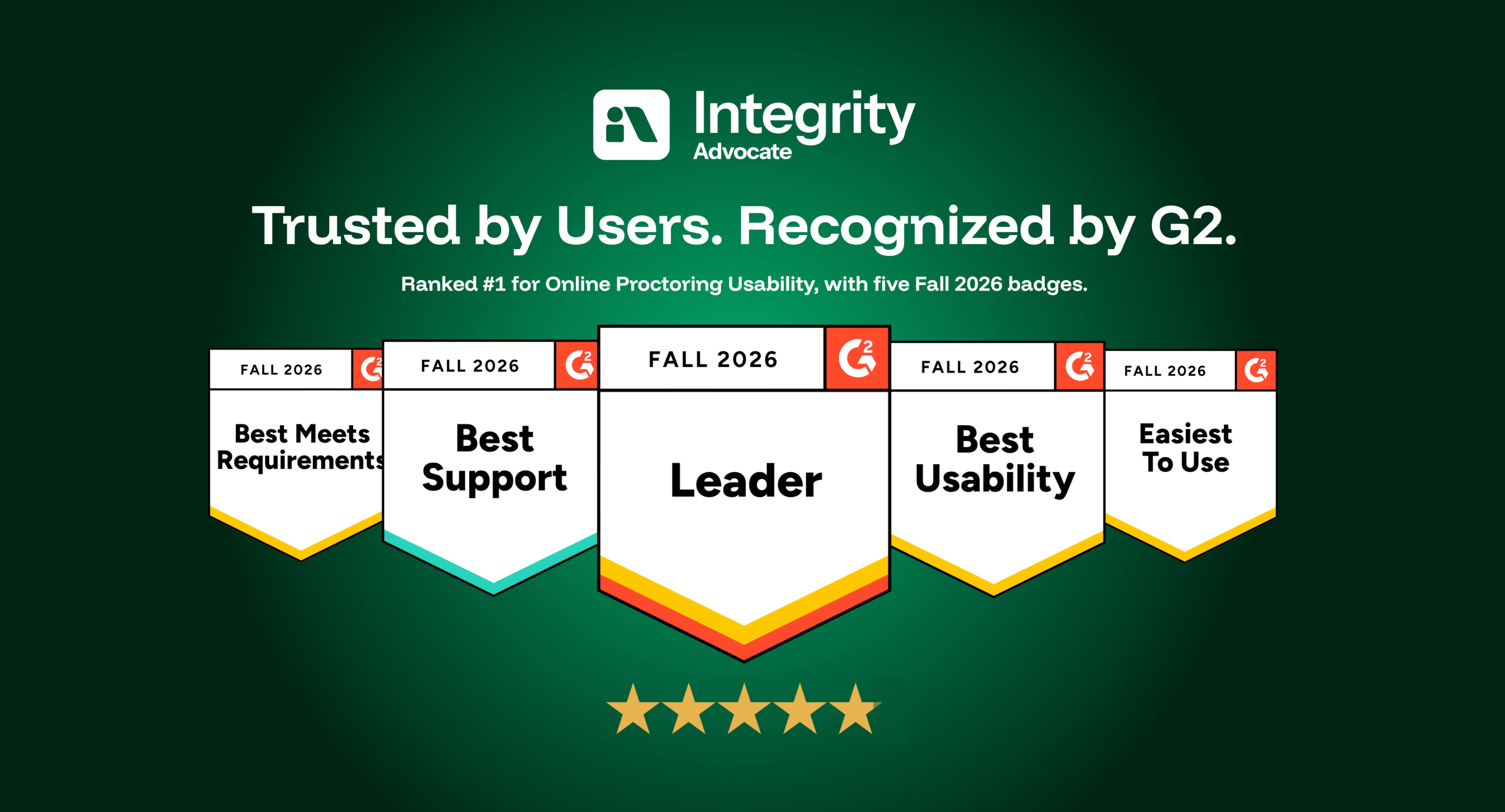
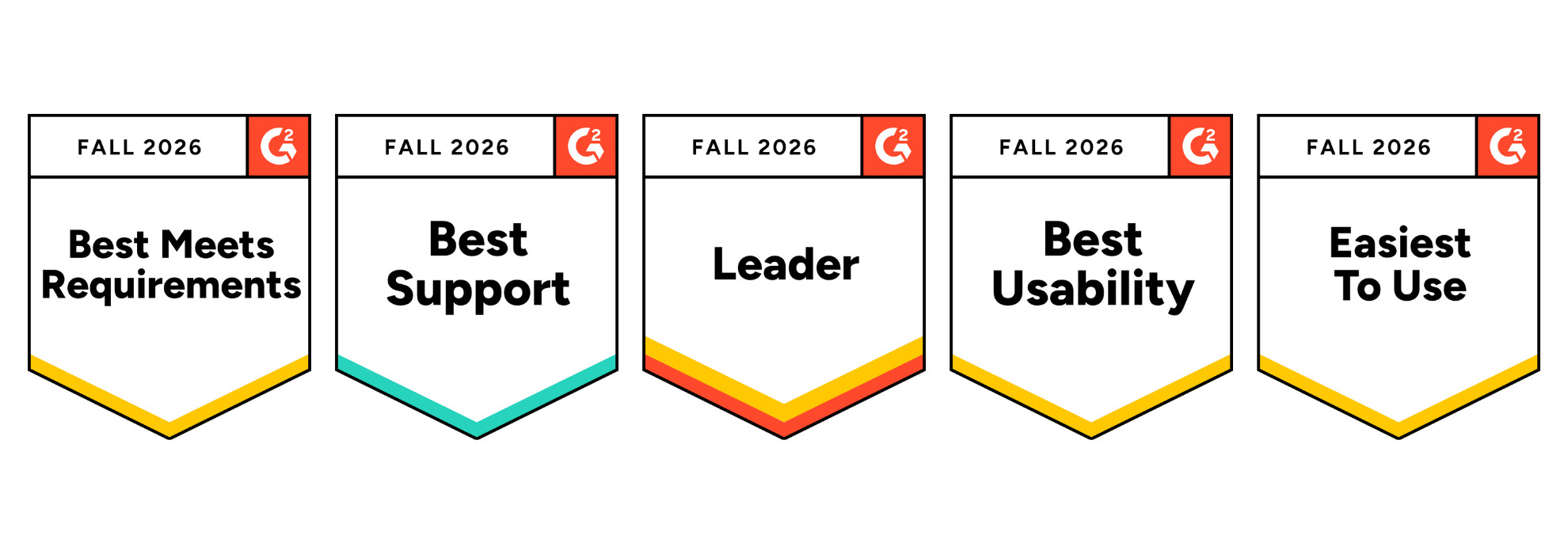
Integrity Advocate has been ranked #1 for Online Proctoring Usability on G2 for the third consecutive season. Based on verified customer feedback, we also earned five Fall 2026 badges recognizing usability, ease of use, support, and overall leadership.
Integrity Advocate has once again been ranked #1 in G2’s Usability Index for Online Proctoring, marking our third consecutive season at the top of the category.
In the Fall 2026 report, Integrity Advocate earned an overall G2 Index Score of 8.60, ahead of Honorlock, Proctorio, Quilgo, Talview, and Meazure Learning. We also earned five G2 badges, including Best Usability, Easiest to Use, and Best Meets Requirements, and were recognized as a Leader in the online proctoring category.
These recognitions are based on feedback from verified users. For us, that is what makes them meaningful. They reflect the experiences of the people who administer assessments, support test takers, and rely on the results.
Integrity Advocate earned the highest overall score in the Fall 2026 Online Proctoring Usability Index:
This is not only another first-place ranking. Our overall index score increased from 8.45 in Summer 2026 to 8.60 in Fall 2026, extending Integrity Advocate’s position at the top of the category.
G2 is the largest peer-to-peer software review platform in the world. Their Usability Index ranks products within a category based on three user-rated dimensions:
Every score comes from authenticated, verified reviews. Companies cannot pay to improve their position. There is no sponsorship or placement influencing the results. The index score reflects what users say about their experience with the product.
Integrity Advocate scored above the online proctoring category average across every usability measure included in the report:
User adoption stands out in particular. Integrity Advocate scored 17 points above the category average and 28 points above Honorlock.
That matters because a platform can have an impressive feature list and still create friction when people are asked to use it. Strong adoption suggests that the experience works in practice, not only during a product demonstration.
In addition to ranking first in the Usability Index, Integrity Advocate earned five G2 badges for Fall 2026 and was recognized as a Leader in online proctoring.
The Best Usability, Easiest to Use, and Best Meets Requirements badges reinforce something we have always believed: assessment security should be strong without being unnecessarily complicated.
Organizations should not have to choose between protecting an assessment and delivering an experience people can successfully use.
Online proctoring sits at a sensitive point in the assessment experience. Test takers may already be under pressure, while administrators need to protect exam integrity without creating unnecessary technical problems or support demands.
A platform that is difficult to access or manage can lead to:
Integrity Advocate was designed to remove those barriers.
There is no software to install and no browser extension to manage. The platform works across devices and browsers and integrates into existing assessment workflows. Test takers can access their assessments without navigating a separate, unfamiliar system, while administrators gain clear evidence and the context needed to evaluate results.
Usability is not separate from assessment integrity. When a platform works consistently, more attention can remain where it belongs: on the assessment and the credibility of its outcome.
Ease of use should never require an organization to compromise on accuracy or defensibility.
Integrity Advocate combines intelligent detection with Verified Human Review™ to provide context behind potential assessment violations. Instead of asking administrators to make decisions based only on an automated flag, our proctoring solutions can provide a clear, reviewable record supported by human judgment.
The result is an approach that protects assessment integrity while remaining practical for the people responsible for administering the program and fair to the people taking the assessment.
Across reviews, users consistently highlight the qualities reflected in the Fall 2026 report: straightforward implementation, ease of use for learners and administrators, seamless LMS integration, responsive support, and a privacy-first approach to assessment integrity.
As one verified user shared:
{{post-block-quote}}
That experience is what the rankings ultimately represent. Not simply a score, but whether the platform helps organizations protect assessments without placing unnecessary friction on their teams or test takers. View more customer stories here.
If you are currently comparing online proctoring solutions, usability should be evaluated alongside security, privacy, and review quality.
Consider asking:
The Fall 2026 G2 results provide an independent view of how leading platforms perform across many of these considerations.
Being ranked #1 once is exciting. Remaining at the top for three consecutive seasons tells a stronger story.
It shows that organizations do not have to accept unnecessary complexity as the price of protecting their assessments. Online proctoring can be secure, privacy-first, easy to administer, and straightforward for test takers.
That is the experience Integrity Advocate was built to provide, and we are grateful to every customer who shared their experience on G2.
The G2 ranking reflects a platform that has been in continuous operation for over a decade:
{{post-cta}}
Find answers to common questions about our products, features, integrations, and approach to assessment integrity.
It depends on the level of security your assessment requires.
If you're unsure, our team can recommend the right tier based on your assessment type, risk level, and compliance requirements.
Integrity Advocate combines browser-based simplicity, privacy-first technology, and trained human review. There is nothing to install, and participants can launch directly from their browser on supported devices.
AI identifies activity that may require attention, while trained reviewers evaluate each moment in context. This reduces false positives and gives your organization clear, defensible evidence.
Yes. Integrity Advocate integrates with Accredible to extend trust beyond the assessment.
Verified assessment results can be used to issue secure digital credentials protected with credential-level identity verification and fraud prevention. Together, Integrity Advocate and Accredible create a continuous chain of trust from exam to credential.
Learn more on our Credential Protection page or contact us to discuss adding Accredible to your implementation.
Yes. Integrity Advocate integrates with many of today's leading learning platforms, including D2L Brightspace, Canvas, Moodle, TopClass LMS, TalentLMS, Thought Industries, Atomic Jolt, and more.
Our browser-based approach allows institutions to launch secure assessments directly from their existing learning environment, minimizing implementation time and reducing support requests.
No. Integrity Advocate is completely browser based. Participants can launch assessments without downloading software, installing browser extensions, or visiting an app store, creating a faster and more accessible experience.
I would change “students” to “participants” in the question so it works equally well for education, credentialing, workforce training, and enterprise audiences.
Yes. AI helps identify activity that may require attention, but trained human reviewers evaluate each flagged moment in context before results are delivered. This helps reduce false positives and gives administrators fair, consistent, and documented outcomes.