
Online proctoring built on privacy, powered by people
Three flexible proctoring tiers with no installation required, built for any device, designed to protect privacy, and Verified by Human Review™ for results you can trust.
ProctorLite
ProctorPlus
ProctorPro

OPTIONAL ADD-ON
Extend any product tier with credential protection
Pair any Integrity Advocate tier with Credential Protection, powered by Accredible, to extend trust beyond the assessment with secure, verifiable credentials backed by verified identity and human-reviewed outcomes.
VERIFIED BY HUMAN REVIEW™
Technology finds the signal. People make sense of it.
Integrity Advocate combines intelligent detection with trained human review. Every identity check, flag, and assessment outcome is evaluated in context, helping programs reach fair, consistent, and defensible decisions.
Choose the platform that fits your assessment needs

ProctorLite provides baseline protection for low-stakes assessments, maintaining exam integrity while keeping the experience simple, straightforward, and cost-effective.
Get all the essentials in ProctorLite, including...
- Quick setup & deployment
- Identity verification
- Foundational flagging & monitoring
- Streamlined audit-ready reporting

ProctorPlus provides comprehensive monitoring with the flexibility most institutions need, balancing strong security controls with ease of use for mid-stakes assessments.
Includes everything in ProctorLite, plus...
- Broader flagging (external resources & messaging)
- Screen monitoring
- AI cheating detection
- Onscreen content protection
ProctorPro provides maximum protection for high-stakes assessments, delivering rigorous oversight with full flagging and monitoring capabilities, and advanced security features.
Includes everything in ProctorPlus, plus...
- Most extensive flagging (customizable)
- Video & audio feed for post-exam review
- Room-scan & second-camera
- Robust audit-ready reporting
Integrates seamlessly with your LMS
Enable proctoring instantly across the platforms you already use.

How Integrity Advocate secures your online assessments
Our privacy-first, human-backed approach to online proctoring is built to deliver secure, trustworthy assessments while safeguarding the integrity of both the exam and the exam taker.
ID VERIFICATION
Confirm the right participant is taking the assessment
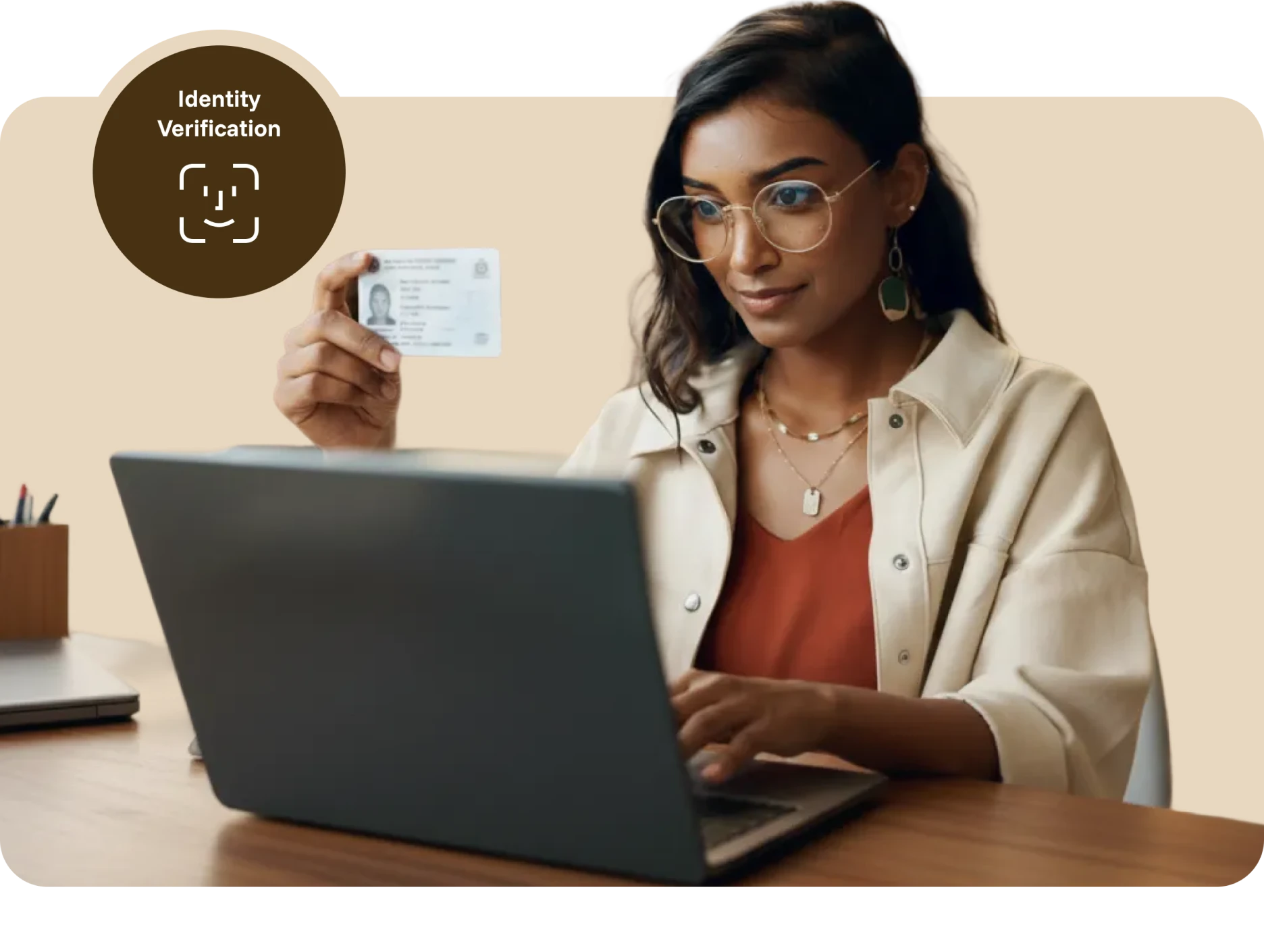
Before the assessment begins, participants capture a photo of themselves and an accepted form of identification. A trained reviewer verifies the photo, name, and ID details, providing a documented identity check before the assessment begins.
Capture a clear participant photo
Capture an accepted form of ID
Verify the participant’s identity
Flagging
Detect and flag potential violations
AI identifies potential violations and routes them to trained reviewers, who evaluate each moment in context. Confirmed flags include timestamped evidence, helping administrators make fair, consistent, and defensible decisions.
Violations we commonly flag for
Leaving camera view
External resources accessed
Disconnecting from the session
Other participants present
Active AI applications detected
Leaving full screen mode
Headphone or earbud use
Remote access applications running
Multiple screens/monitors in use
Electronic devices visible (phones, tablets, or smart devices)
Messaging applications open (Zoom, Slack, Discord, etc.)
Screen sharing stopped
COMPREHENSIVE PROCTORING
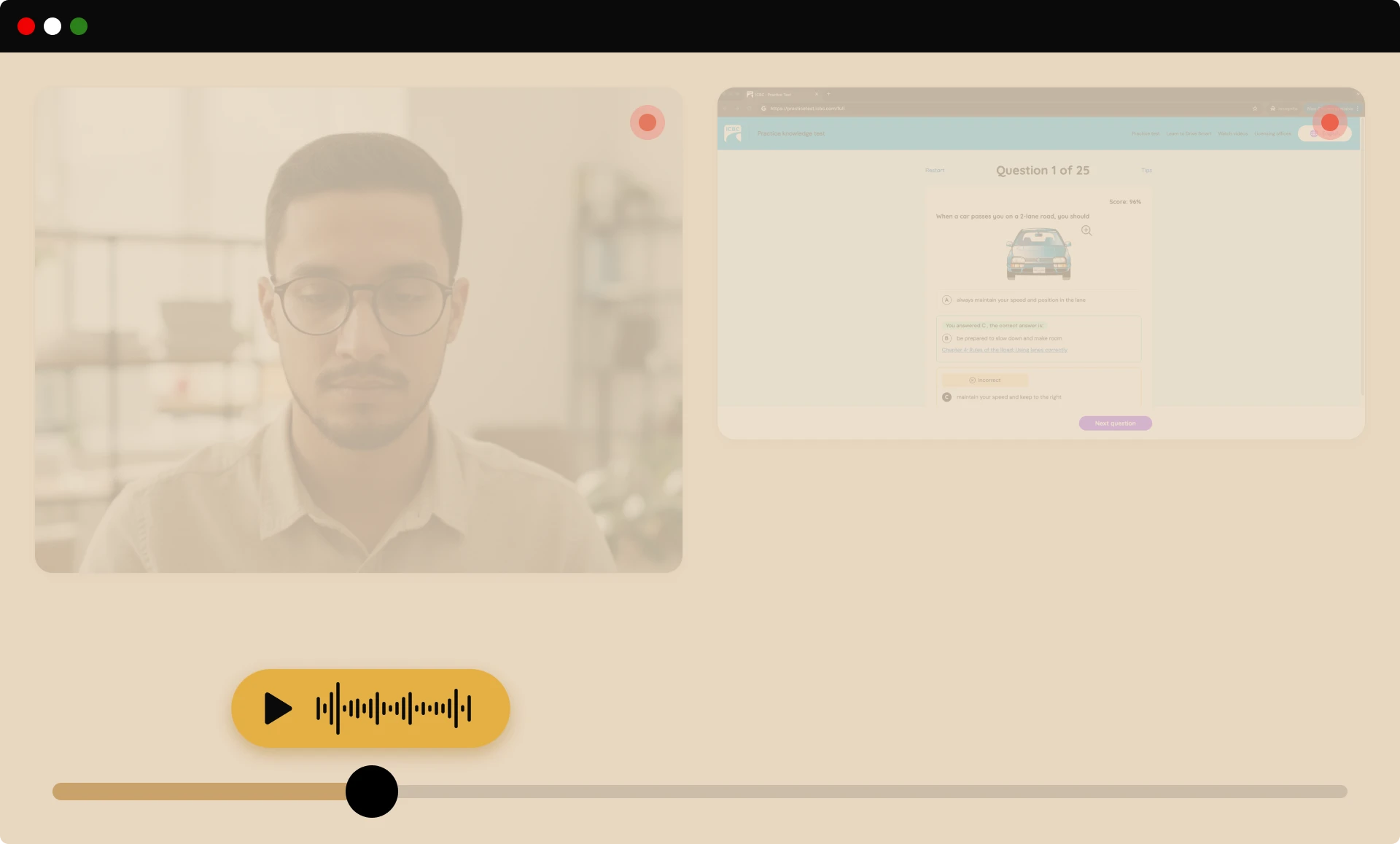
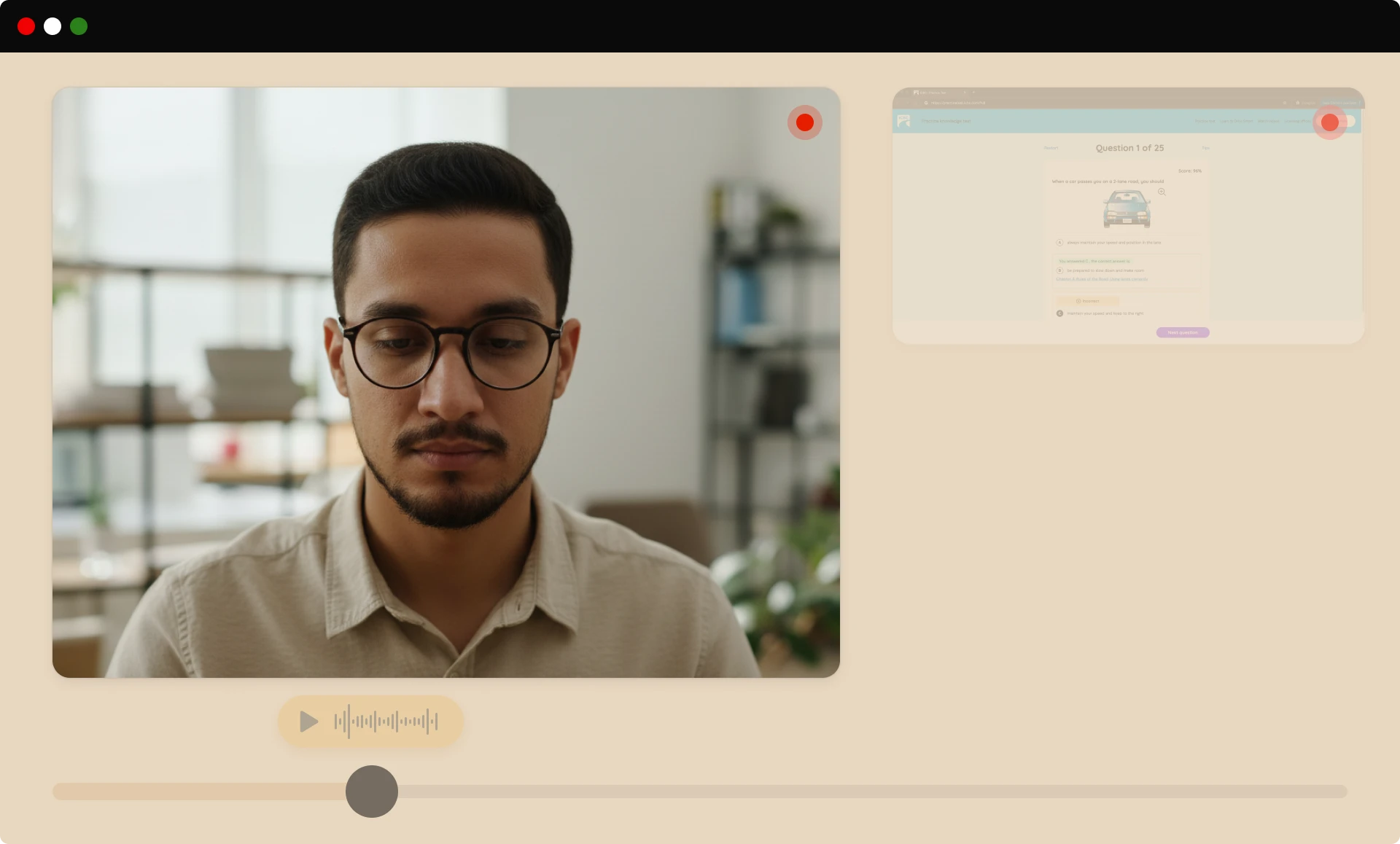
Multi-source participant monitoring
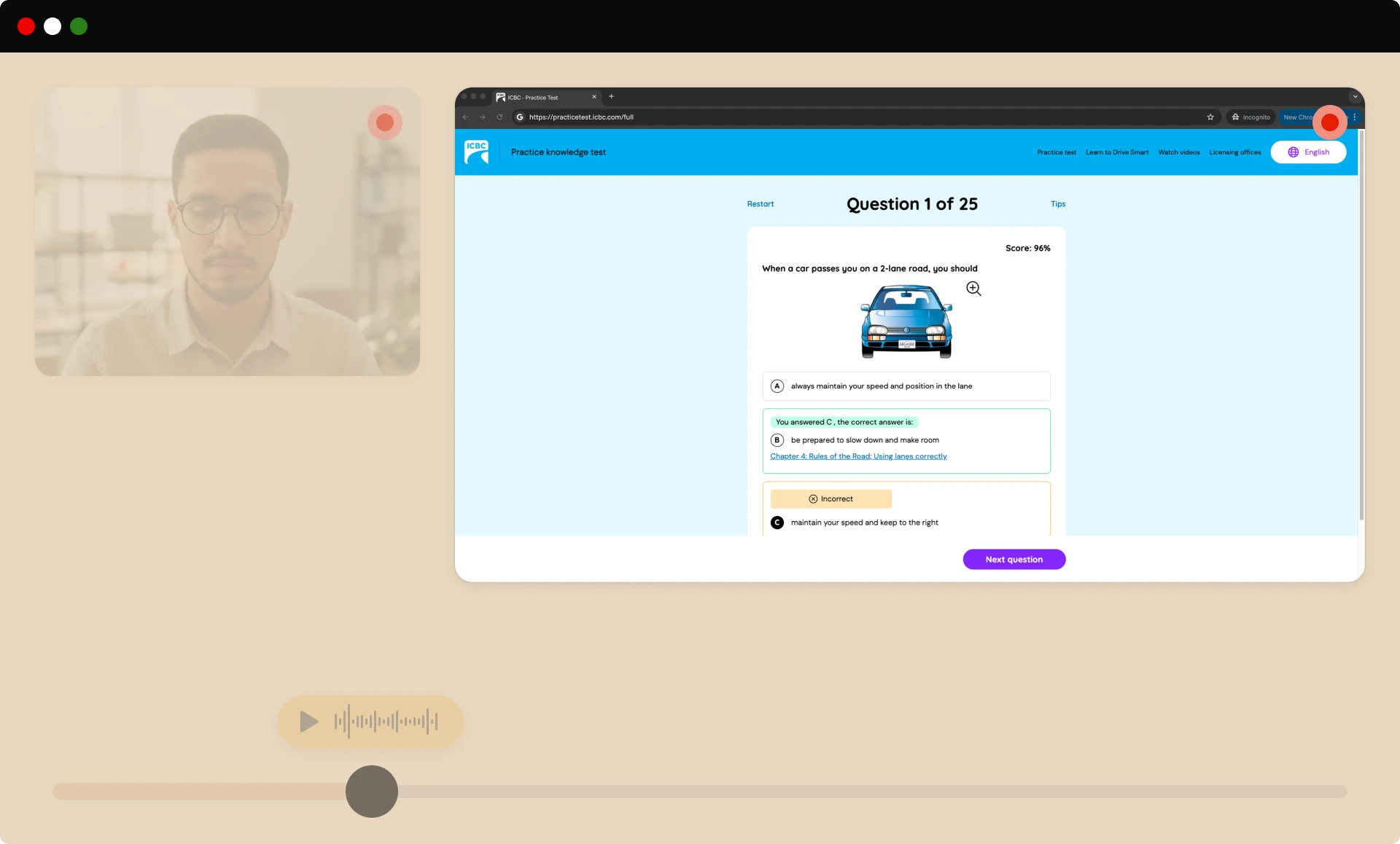
We capture the video, audio, and on-screen activity needed for review, providing a thorough view of each session so reviewers can make clear, unbiased decisions without storing unnecessary personal data.
SECURITY FEATURES
Advanced security features
Our flexible security layers scale with your risk level, from basic monitoring to maximum protection for high-stakes assessments.
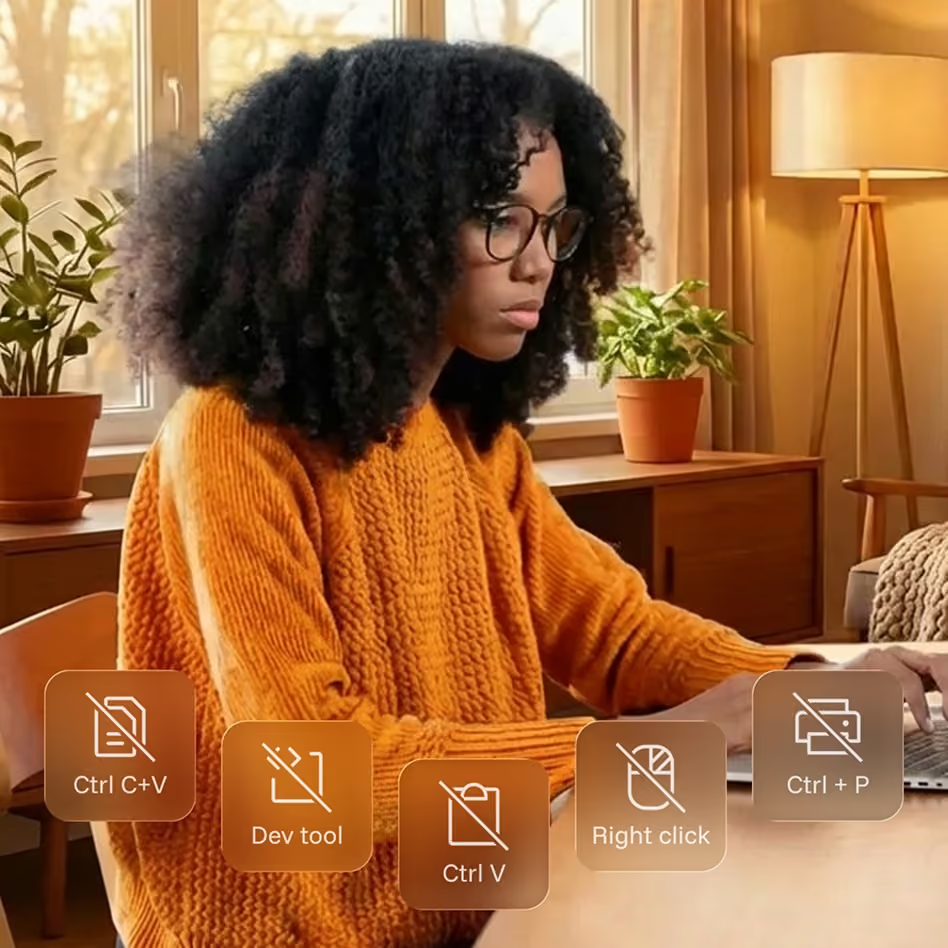
Onscreen content protection
Blocks risky on-screen actions, like copying, printing, and shortcuts that could enable cheating or content theft, keeping test content secure throughout the exam.
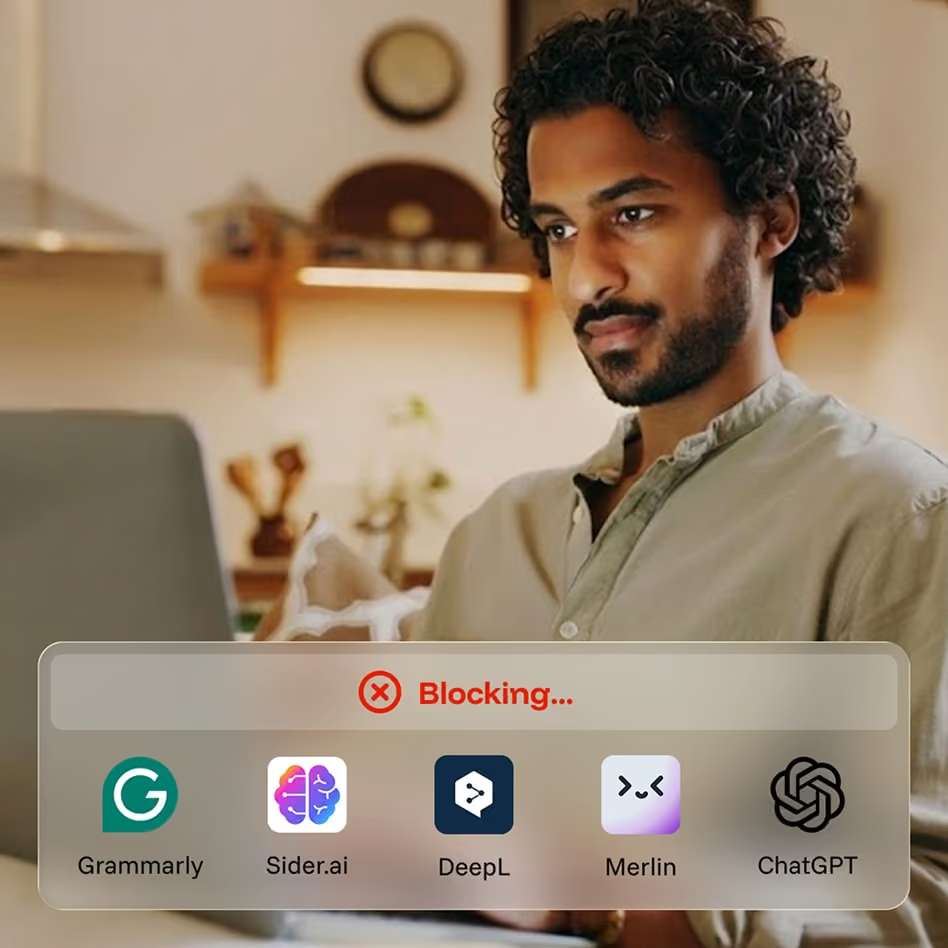
CounterAI™
Monitors behavior and patterns to spot likely use of generative AI tools, helping you protect exam validity as AI-assisted cheating continues to evolve.

Room scan
Before the exam begins, test-takers pan their camera to show their workspace, confirming there are no unauthorized materials while minimizing extra personal data captured.

Second camera
An optional second camera provides a wider view of the testing space for high-stakes exams, adding another layer of oversight without disrupting the test-taker’s experience.
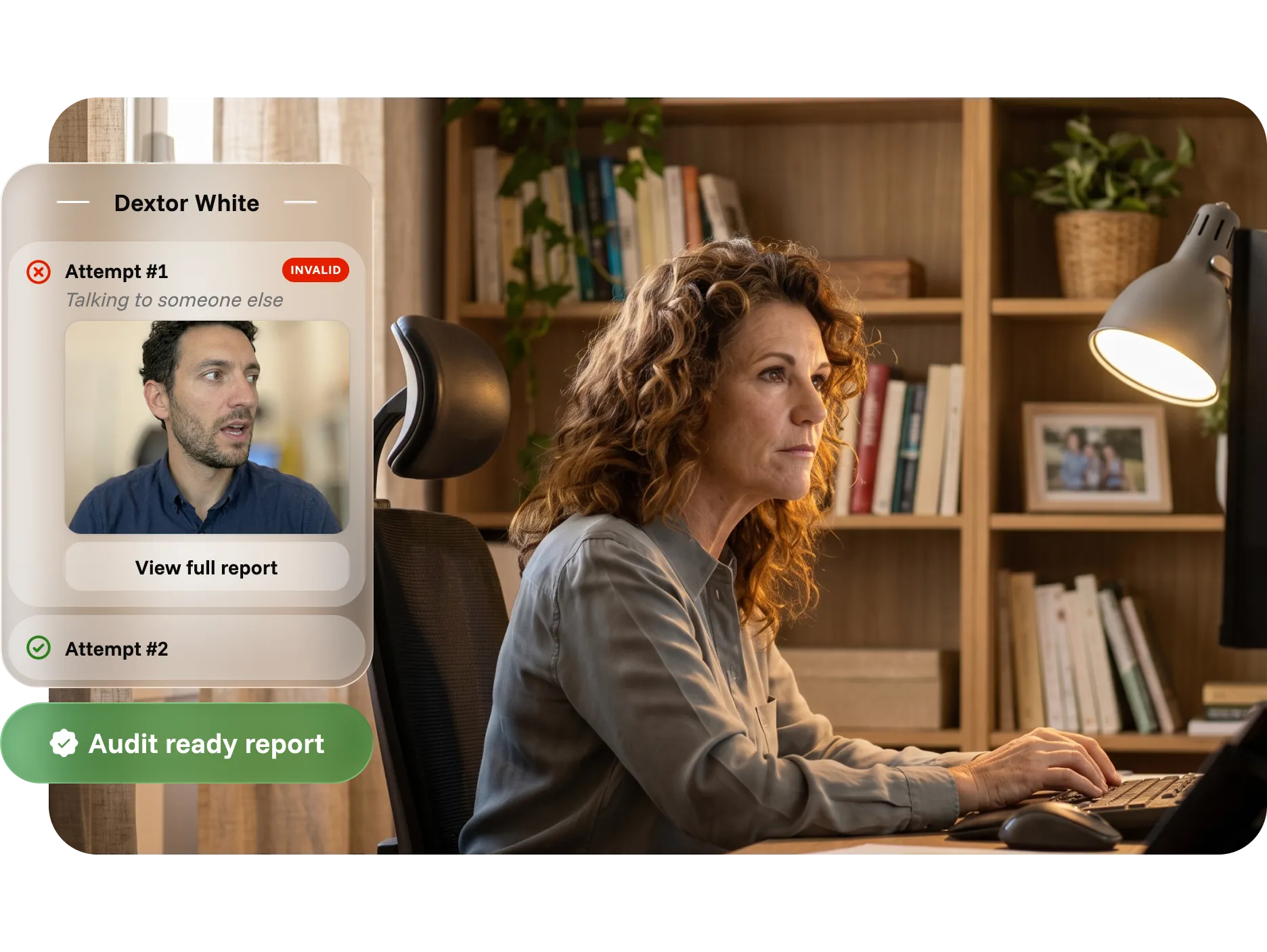
INTUITIVE REPORTING
Time-saving, audit-ready reports for admins
Reports bring identity records, session activity, flags, and reviewer findings into one clear, exportable record, reducing manual work and helping teams respond faster.
Defend outcomes with timestamped identity, activity, and photo records
Resolve disputes with video evidence and documented reviewer findings
Support compliance and audits with structured, exportable data

Relevant resources
Explore insights, best practices, and expert guidance on assessment integrity, online proctoring, and credential security.
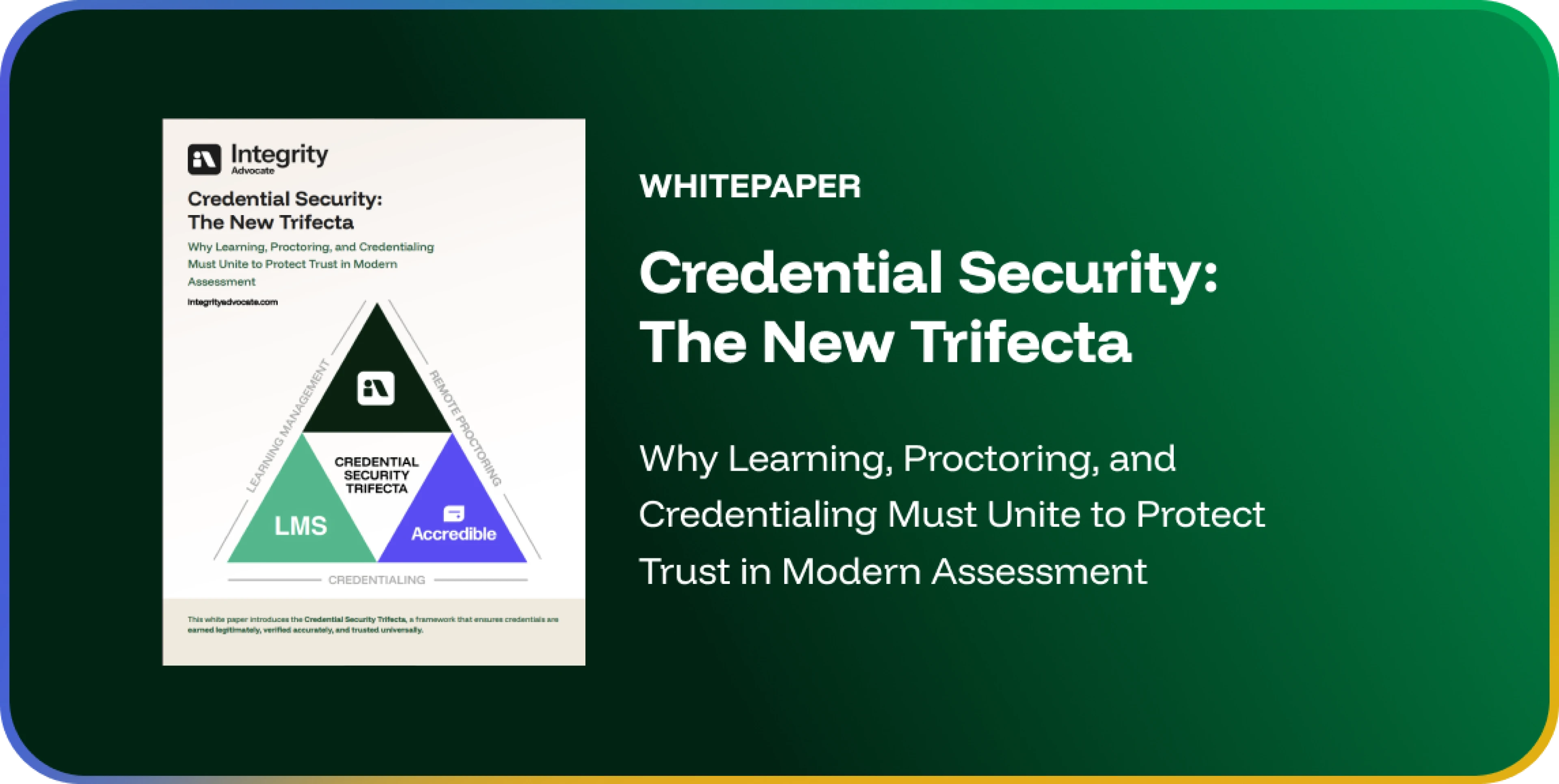
The Credential Security Trifecta: Designing a Defensible Credential Ecosystem
Credential integrity depends on more than a single tool. It requires identity verification, assessment oversight, credential issuance, and long-term validation to operate as one connected system. As digital credentials become more visible and portable across LinkedIn profiles and employer systems, organizations need to be able to answer a harder question than "was this test monitored": is this credential defensible? This post introduces the Credential Security Trifecta, a framework connecting Learning & Assessment Infrastructure, Identity & Integrity Verification, and Secure Digital Credential Issuance into a unified chain of trust, and points to the full whitepaper for the risk landscape, common blind spots, and an implementation model.

Admin-Ready Results: Why Audit-Ready Reporting Matters More Than Ever in Online Proctoring
For many administrators, the most time-consuming part of secure assessment delivery happens after the exam: reviewing sessions, sorting through flags, watching recordings, and trying to turn raw data into decisions the team can stand behind. Most proctoring tools generate a lot of data but very little clarity, leaving administrators to manually reconstruct context that should already be documented. This post examines what administrators actually need from proctoring reporting, why unclear results become a bottleneck as programs scale, and how audit-ready reporting shifts proctoring from a reactive process to a streamlined one.
Key Takeaways from the Conference on Test Security (COTS): Balancing Security, Integrity, and Innovation in Testing
The 2025 Conference on Test Security brought together higher education institutions, certification organizations, legal experts, and technology vendors around a shared challenge: maintaining assessment integrity in an AI-driven world. Integrity Advocate CEO Brandon Smith shares his key takeaways, covering the growing non-negotiability of exam validity and security, the evolving legal landscape around misconduct and civil disputes, the uneven ethical rigor of AI tools in assessment, and the increasingly critical balance between test security and learner privacy.

Why Use a Remote Proctoring Solution for Online Assessments?
As online learning expands across education, certification, and compliance training, remote proctoring has moved from a stopgap to a strategic necessity. This post covers seven reasons institutions and certifying bodies use remote proctoring, from protecting exam integrity and ensuring fairness across diverse learner populations to building defensible audit trails, supporting accessibility, reducing administrative burden, and keeping pace with the AI era of assessment, with a human-first model that balances efficiency with empathy.
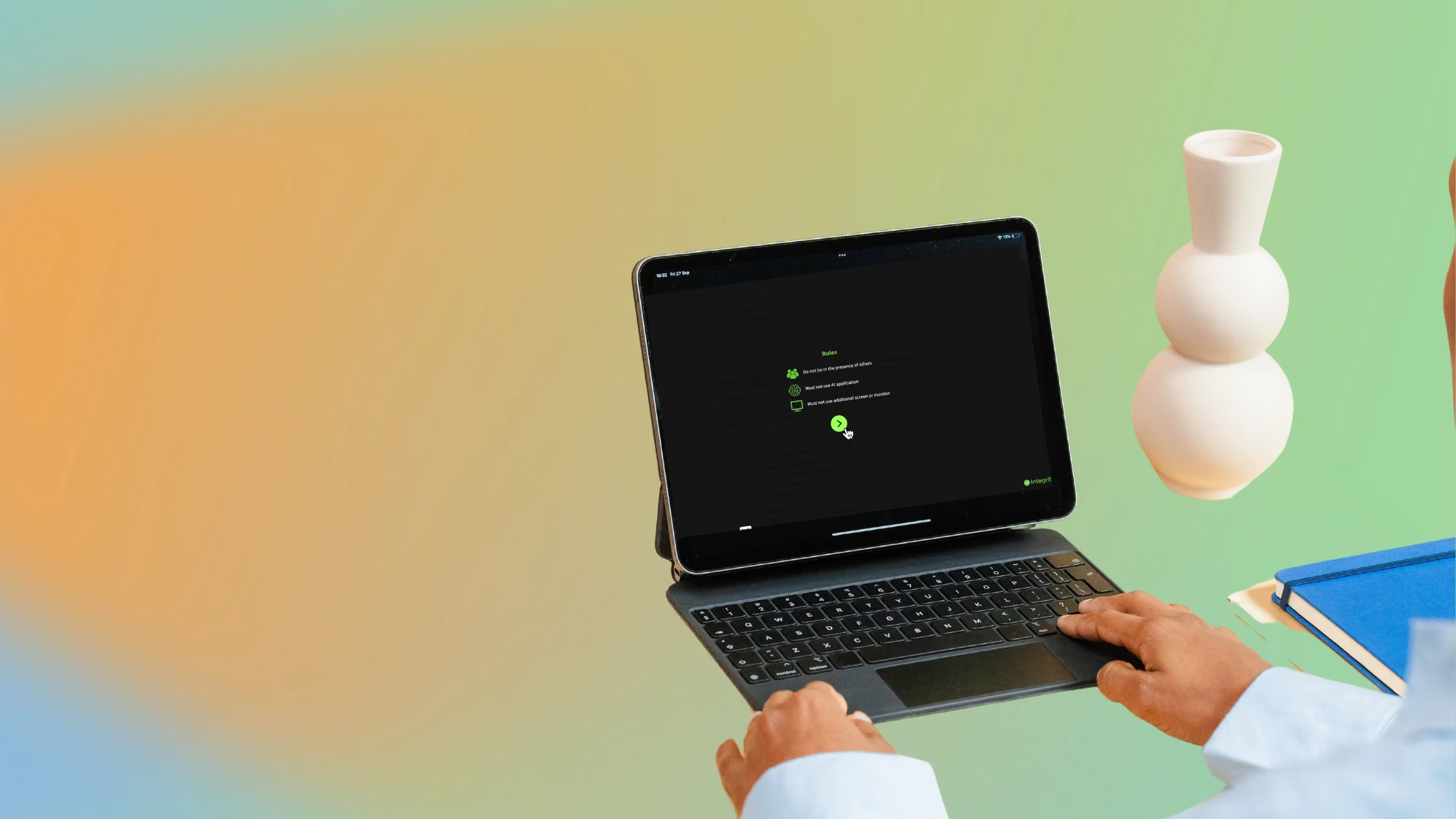
Webinar Recap: Improving CEU Integrity in the Age of AI
In November 2024, Integrity Advocate sat down with IACET president Randy Bowman to discuss how AI tools and GPT-powered plugins are changing the landscape of online continuing education. The conversation covered how emerging technologies compromise the integrity of accreditation standards, how to meet IACET standard 8.1 requirements for learner identity verification, how to document due diligence around genuine participation, and what recent court cases mean for organizational liability when training does not meet IACET standards.

Safety Mentor and Integrity Advocate Are Teaming Up to Improve Continuing Education Programming
Safety Mentor, an IACET-accredited training provider in the health, safety, and environmental sector, has partnered with Integrity Advocate to deliver verifiable online continuing education and training. The partnership addresses the growing threat of AI plugins completing CEU assessments without learner participation, and is designed to meet IACET requirements while maintaining a low-friction learner experience across all devices without installation.

Five Secrets to Integrity Advocate’s Industry-Leading Support
Just 0.58% of Integrity Advocate learners required support during their exam last year. This post breaks down the five design decisions behind that number: no installation or plugins, full mobile and tablet compatibility, on-demand availability with no scheduling requirement, Privacy by Design data handling, and a simple interface that learners can navigate without assistance. For organizations running online exams at scale, each of these directly reduces the administrative burden and cost of support.
Can Claims of GDPR Compliance by Proctoring Companies Be Trusted?
Many proctoring companies claim GDPR compliance, but those claims are largely self-reported and rest on frameworks that have already been legally challenged. The EU-US Privacy Shield was invalidated in 2020, and its replacement relies on self-certification that does not resolve the underlying conflict between the US Patriot Act and GDPR's prohibition on non-consensual data disclosure. This post examines why US-based data storage creates a structural GDPR problem, what the DPF self-certification actually involves, and why Integrity Advocate's Canadian infrastructure and Privacy by Design architecture represent a substantively different approach.
Still got questions? Feel free to reach out to us!
Questions fréquentes
Find answers to common questions about our products, features, integrations, and approach to assessment integrity.
It depends on the level of security your assessment requires.
- Integrity ProctorLite is designed for low-stakes assessments where identity verification and foundational monitoring are sufficient.
- Integrity ProctorPlus is ideal for most certification, workforce, and higher education assessments that require additional monitoring and AI-assisted flagging.
- Integrity ProctorPro provides the highest level of protection with advanced security features like CounterAI™, room scans, second camera support, and comprehensive monitoring for high-stakes exams.
If you're unsure, our team can recommend the right tier based on your assessment type, risk level, and compliance requirements.
Integrity Advocate combines browser-based simplicity, privacy-first technology, and trained human review. There is nothing to install, and participants can launch directly from their browser on supported devices.
AI identifies activity that may require attention, while trained reviewers evaluate each moment in context. This reduces false positives and gives your organization clear, defensible evidence.
Yes. Integrity Advocate integrates with Accredible to extend trust beyond the assessment.
Verified assessment results can be used to issue secure digital credentials protected with credential-level identity verification and fraud prevention. Together, Integrity Advocate and Accredible create a continuous chain of trust from exam to credential.
Learn more on our Credential Protection page or contact us to discuss adding Accredible to your implementation.
Yes. Integrity Advocate integrates with many of today's leading learning platforms, including D2L Brightspace, Canvas, Moodle, TopClass LMS, TalentLMS, Thought Industries, Atomic Jolt, and more.
Our browser-based approach allows institutions to launch secure assessments directly from their existing learning environment, minimizing implementation time and reducing support requests.
No. Integrity Advocate is completely browser based. Participants can launch assessments without downloading software, installing browser extensions, or visiting an app store, creating a faster and more accessible experience.
I would change “students” to “participants” in the question so it works equally well for education, credentialing, workforce training, and enterprise audiences.
Yes. AI helps identify activity that may require attention, but trained human reviewers evaluate each flagged moment in context before results are delivered. This helps reduce false positives and gives administrators fair, consistent, and documented outcomes.