
RESPONDUS ALTERNATIVE
Assessment security without the lockdown browser
If you’re using or considering Respondus Monitor, IntegrityView offers a different approach: browser-based assessment controls, participant and screen capture, and a synchronized review experience, without requiring test takers to install dedicated software.
By submitting this form, you agree to be contacted about your request. We respect your privacy and never sell your information.
READY FOR A DIFFERENT APPROACH?
If lockdown is creating friction, change the model
Respondus is built around controlling the testing environment and analyzing recorded sessions. IntegrityView takes a different approach: protect the assessment, remove the software install, and give your team the context to make the final call.
Respondus is built around controlling the testing environment and analyzing recorded sessions. IntegrityView takes a different approach: protect the assessment, remove the software install, and give your team the context to make the final call.
Protect the assessment
Strong controls and evidence without relying on lockdown alone.
Remove the friction
Nothing to install. A simpler experience for test takers and admins.
Make review manageable
Give your team the context and tools to reach the decision efficiently.
VISIBILITY OVER RESTRICTION
Respondus Monitor vs. IntegrityView
Both are built to protect online assessments. The difference is how they get there.
The bottom line
Respondus has strong security capabilities, but its install-based approach and institution-led review can introduce additional setup and workload. IntegrityView offers a no-install experience with the visibility your team needs to review sessions in context.
2.5/5
G2 Rating - 180+ reviews
4.5/5
G2 Rating - 31+ reviews
THE REVIEWER EXPERIENCE
You’re already reviewing sessions.
Make that job easier.
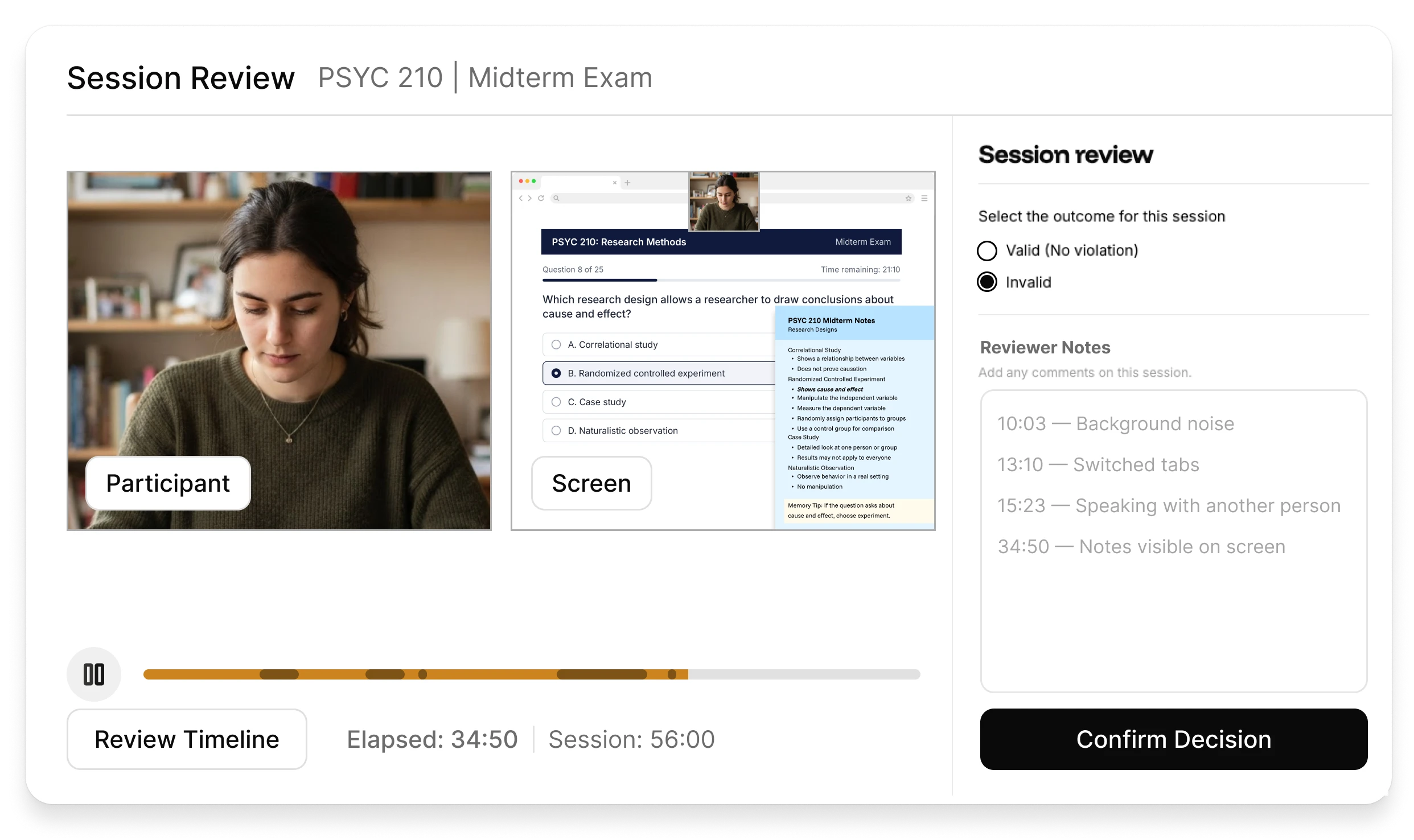
IntegrityView brings the assessment evidence your team needs into one clear review experience, so you can understand what happened and reach a determination efficiently.
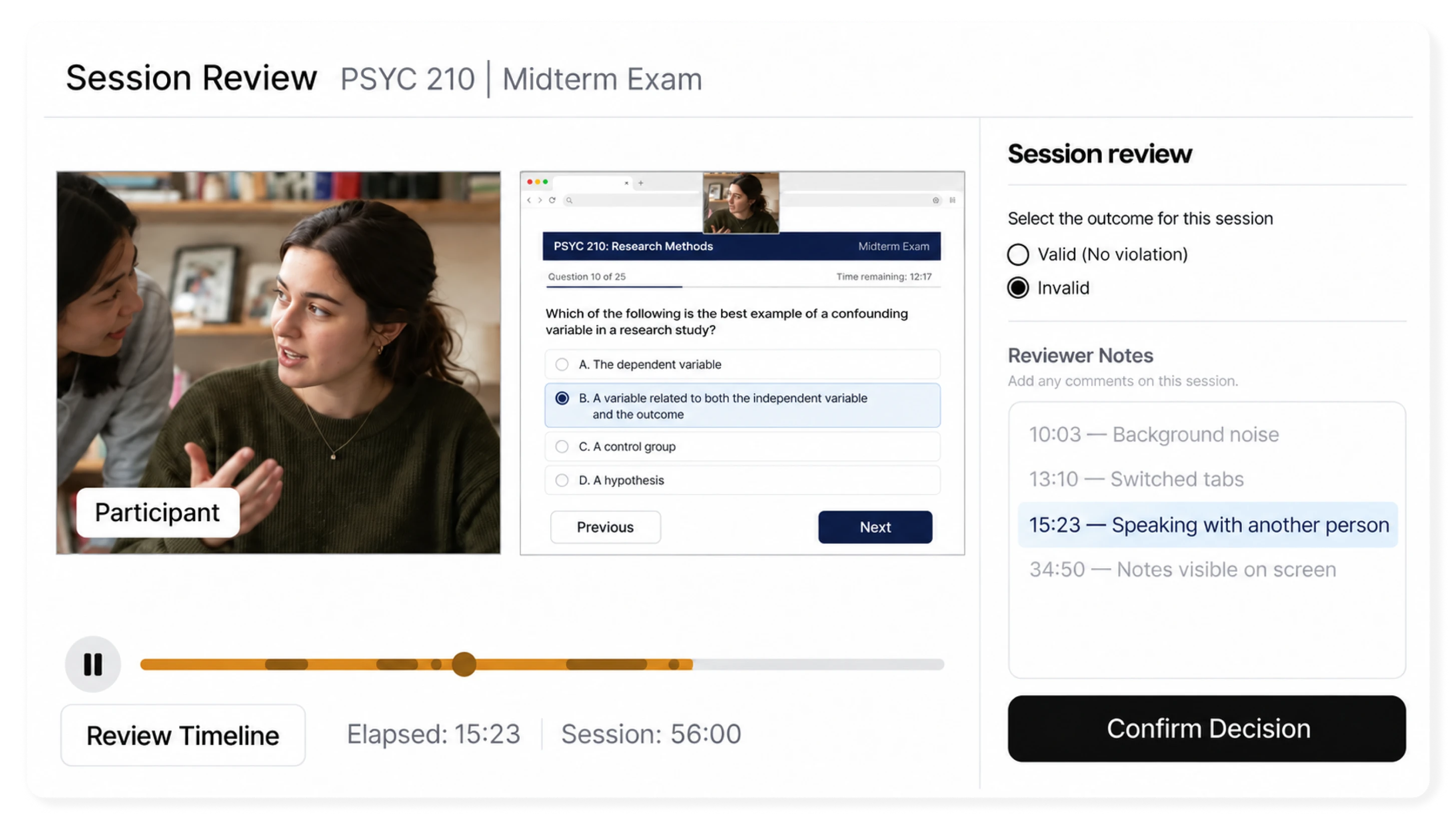
Review participant and screen activity side by side, synchronized on one timeline for clearer context.
Condensed playback lets reviewers move through the session at up to 5x speed, allowing for fast, accurate review.
Audio snippets allow reviewers to hear relevant moments without listening to the entire assessment.
Record the final determination and supporting commentary in one place, creating a clear record of what was decided and why.
MOVES FAST WITH YOUR WORKFLOW
Built to make self-review manageable
Keeping review in-house shouldn’t mean watching every minute at normal speed. IntegrityView condenses routine playback so reviewers can move through the session efficiently while slowing down when voice activity needs attention.
12 minutes
THE TEST TAKER EXPERIENCE
Remove the download friction from exam day
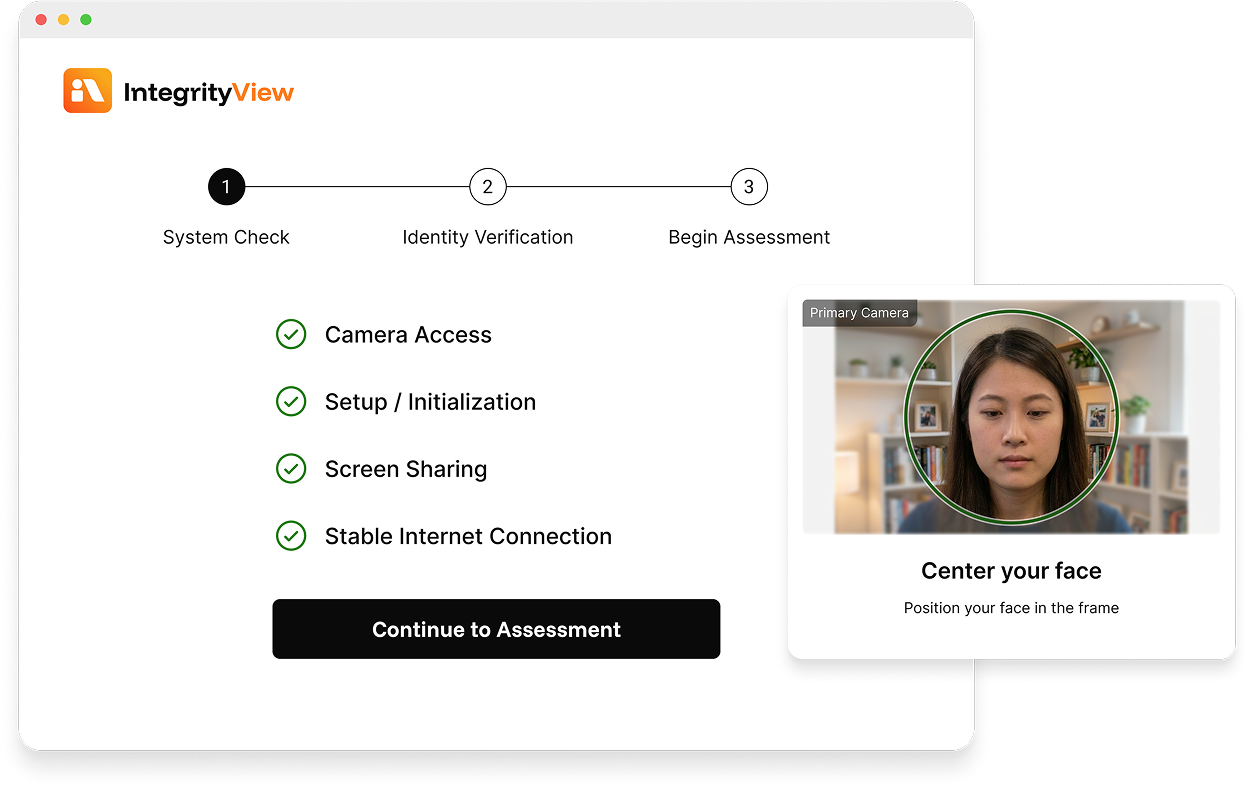
IntegrityView runs through the browser, so test takers don’t have to install and launch a dedicated lockdown application before they can begin.
ASSESSMENT PROTECTION
Less friction doesn’t mean less protection
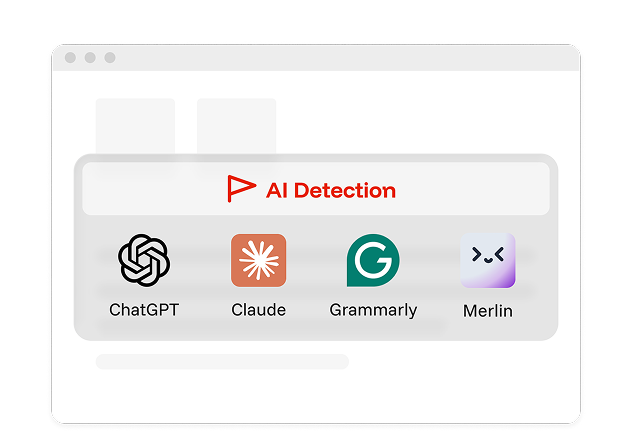
IntegrityView doesn’t try to recreate a traditional lockdown browser. It combines targeted controls with monitoring and session evidence so your team can protect the assessment and understand what happened.
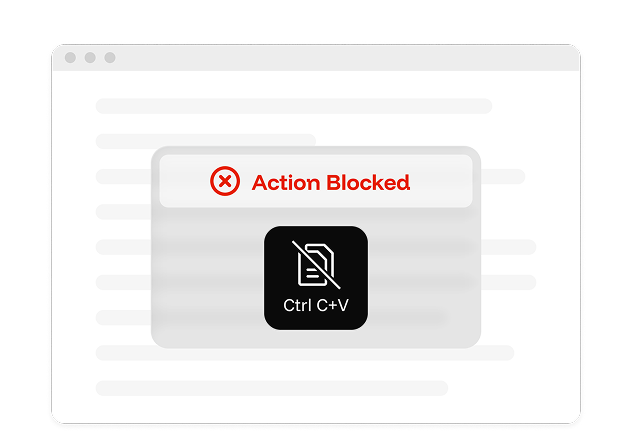
Copy-paste protection
Attempts to copy or paste protected assessment content are blocked automatically.
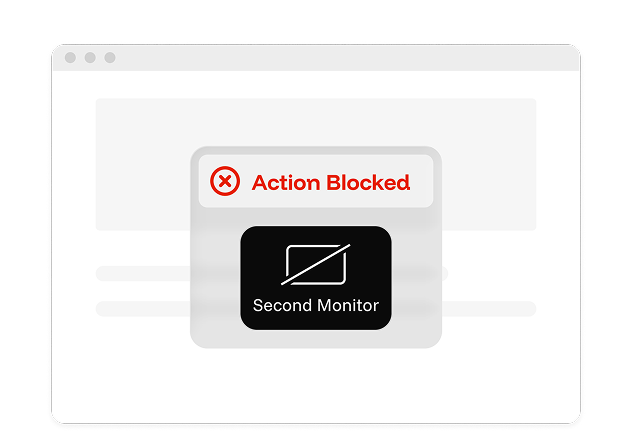
Second-monitor blocking
Additional displays are detected and blocked before the assessment can continue.
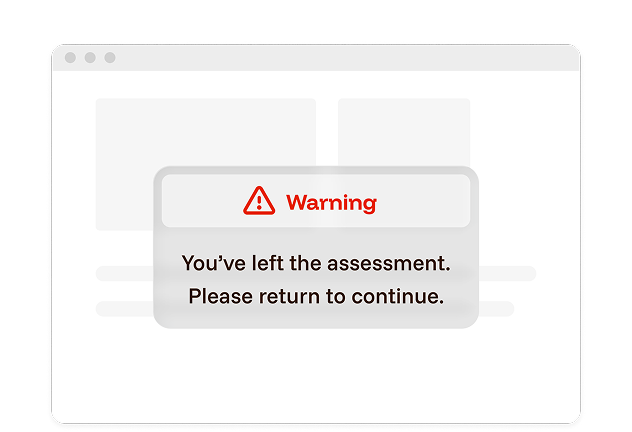
Leaving full-screen mode
When a participant leaves full screen mode, IntegrityView detects the activity and prompts them to return.
In-session blockers include
Screen sharing stopped
Restricted browser extensions
Multiple assessment windows open
Full-screen mode exited
Restricted keyboard shortcuts
Camera disconnected
Multiple monitors detected
Repeated voice detected
Unsupported device detected
Camera view obstructed
Camera feed frozen
Unsupported browser detected
CHOOSE THE REVIEW MODEL THAT FITS
Prefer to have our experts review?
IntegrityView is built for organizations that want to keep review in-house. If your needs change, Integrity Advocate also offers managed review options.
YOUR TEAM REVIEWS
IntegrityView
Assessment protection, session capture, and a review experience built for your own staff.
OUR EXPERTS REVIEW
Managed Integrity Advocate Proctoring
The same capture, reviewed end-to-end by Integrity Advocate’s trained review team, for programs that want review off their plate.
Available as an upgrade inside of IntegrityView.
10M+
Assessments secured
ZERO+
Data breaches in 12+ years
98%
Client retention rate
#1
For usability on G2
WHAT OUR CLIENTS SAY
"We used to use a proctoring solution that required someone to download it onto their computer and then run it. We had a lot of issues with the software crashing or people not being able to figure it out. So we needed to find a new solution."

Frequently asked questions
Find answers to the most commonly asked questions about IntegrityView
No. IntegrityView is a no-install alternative to traditional lockdown browsers. It includes many of the controls institutions expect, like copy-paste protection, second-monitor blocking, and focus enforcement, while also capturing the participant and screen and detecting other activity for your team to review in context.
IntegrityView is a no-install alternative that gives your team assessment controls plus a synchronized view of the test taker, screen, and session activity so you can review what happened and make the final call.
Your team does. IntegrityView gives reviewers the session evidence they need to understand what happened, document the outcome, and make the final determination.
Yes. IntegrityView is designed to work through LTI, so it fits within your existing learning and assessment workflow without requiring a separate reviewer login.
IntegrityView is designed for organizations that want to keep review in-house and avoid the added service cost of managed review. Pricing depends on your program and assessment volume.

See how IntegrityView fits your program.
Get a personalized walkthrough of IntegrityView, compare the assessment and reviewer experiences, and see whether a no-install approach fits your program.
Start with your team. Add ours when you need us.
If your needs change, Integrity Advocate's managed review options can take the workload off your team, without changing the assessment experience.