Ease of Use
+7 pts above avg
95%
IA
95%
AVG
88%

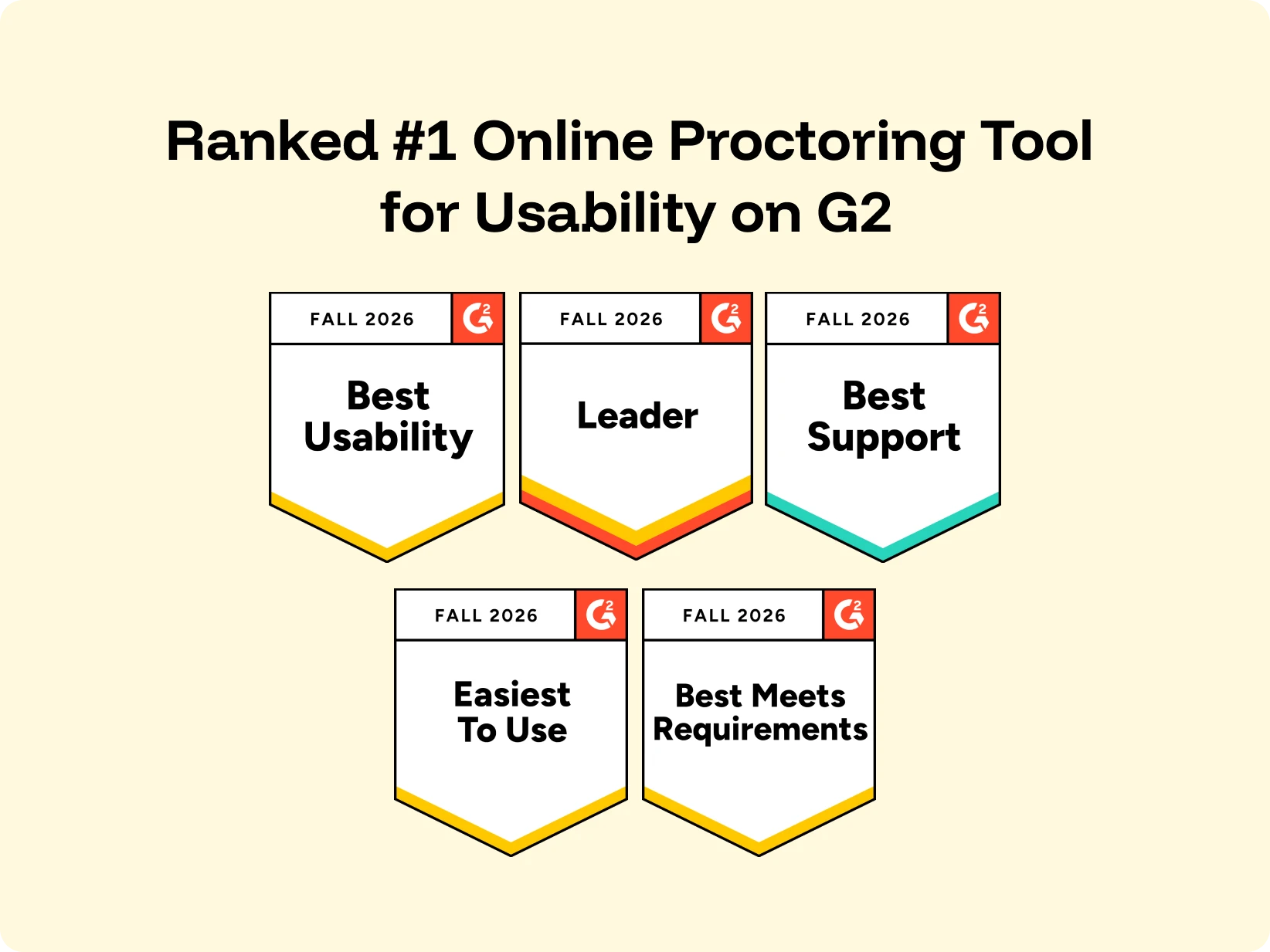
RANKED #1 FOR USABILITY ON G2
Customers consistently rank Integrity Advocate #1 for ease of use, praising its intuitive experience, and responsive support.
VERIFIED BY OUR CUSTOMERS
Why customers rate us #1
Integrity Advocate is designed to remove unnecessary complexity from secure online assessments, giving participants, administrators, and IT teams a more straightforward experience from setup through review. Customers consistently praise the intuitive experience, seamless integrations, and responsive support behind it.
SIMPLICITY BENEFITS EVERYONE
When online proctoring is simple to deploy, manage, and use, everyone benefits. From learners to administrators and IT teams, Integrity Advocate removes unnecessary complexity without compromising security.
A familiar, browser-based experience with no downloads or complicated setup.
Simple tools, intuitive workflows, and faster review from start to finish.
Deploy without software installs, browser extensions, or ongoing maintenance.
Scale secure assessments while reducing support requests and operational effort.
DESIGNED TO REMOVE COMPLEXITY
Ease of use goes beyond the assessment experience. Integrity Advocate helps teams reduce support, save time, and deliver secure assessments with less effort.
No installs and human-reviewed results help reduce technical issues and unnecessary escalations.
Simple LMS integrations help your team launch quickly within existing workflows.
A browser-based experience gets learners into assessments without downloads or complicated setup.
Responsive, expert support helps your team solve problems quickly when assistance is needed.
Participants can complete assessments across laptops, desktops, tablets, Chromebooks, and mobile devices.

SIMPLE BY DESIGN. SECURE AT EVERY LEVEL.
Ease of use without compromise
A simpler experience does not mean lighter protection. Integrity Advocate helps organizations run secure, defensible assessments without adding unnecessary friction for participants, administrators, or IT teams.

Verified #1
Verified G2 reviews consistently describe the same experience: easy to implement, easy to manage, easy for learners, and backed by responsive support.
Hear from our customers
Across education, certification, workforce training, and regulated industries, customers consistently describe: a platform that's easy to implement, easy to use, and backed by a responsive team.
"We went from having close to 50% of our students having issues with the online proctoring to almost no one, we're so pleased with how things have gone."
"The most user friendly identity verification software available. The user interface for the student is easy to understand and straightforward. Nothing to download and just follow the prompts."
“Integrity Advocate is really easy to use, really fun to work with, and very responsive. There’s always a quick turnaround for change requests; they’ve kept us updated. I would recommend them 100%.”
Fabienne Bailey, Director for Business Growth and Transformation at AIM Qualifications and Assessment Group
"Both the support and sales teams have been consistently responsive, approachable, and invested in helping us succeed. They treat us like partners, not just clients, and genuinely listen to feedback as the platform evolves."
"It's incredibly convenient and has significantly reduced the amount of tech support we need to provide, streamlining our operations. The ease of use and hassle-free setup make it an invaluable tool for our needs."
"Integrity Advocate was super easy to implement as a platform, and it's easy to navigate and easy to manage. On top of that, the support team has always been very helpful and very responsive anytime we need to reach out."
Students shouldn't have to think about the technology before they can demonstrate what they know. Hear how National Payroll Institute reduced friction and created a smoother assessment experience with Integrity Advocate.
Explore insights on browser-based proctoring and simplifying secure assessment delivery.

December 11, 2025
|
5 min read
Proctoring works best when it is almost invisible. When the first interaction a learner has with a proctoring tool involves downloading a launcher, requesting elevated permissions, or troubleshooting errors, it introduces friction before a single question is answered. That friction drives anxiety, failed assessment starts, elevated support tickets, and lower perceived fairness. This post examines why ease of use has become a competitive advantage in proctoring, how no-install design reduces friction while maintaining integrity, and what the market is actually asking for as institutions rethink their assessment experience in 2026.
Proctoring isn’t just about catching cheaters, it’s about creating an experience that preserves trust, reduces barriers, and supports learners as they engage with assessments. As remote and hybrid testing become standard across education and workforce programs, one trend stands out: ease of use has become a competitive advantage in proctoring.
Proctoring works best when it’s almost invisible. It should quietly protect the integrity of an assessment while blending into the systems learners already know and trust. Proctoring should feel familiar, launching learners into their exams in the same environments they already use every day rather than pushing them into unfamiliar tools or workflows. When that doesn’t happen, friction shows up fast.
Technical friction, like downloads, extra logins, and multi-step setup flows, doesn’t just slow learners down. It reduces confidence, increases support needs, and indirectly becomes one of the biggest hidden costs of remote assessment.
In this post, we unpack why ease of use, especially no-install proctoring, matters in the new year and beyond, and how it impacts learners, administrators, and institutional outcomes.
For many test-takers, the first interaction with a proctoring tool sets the tone for the entire assessment. When that interaction involves:
…it introduces friction before a single question is answered.
That friction can lead to:
And while traditional proctoring vendors often treat installations and extensions as standard, learners often do not.
A privacy-first, no-install approach eliminates these barriers at the source, protecting not just the exam, but the experience. That mindset aligns directly with our philosophy of integrity without intrusion, where security and user respect coexist.
"The service itself is easy to use and is popular among our students. The implementation process went smoothly." - Verified G2 review
As institutions invest in stronger security, a natural tension arises: how do you ensure integrity without breaching privacy? Many legacy solutions err on the side of surveillance, using broad access and extensive permissions to “cover every angle.” But in doing so, they often end up collecting data that goes well beyond what’s necessary for integrity, raising concerns that many programs simply don’t want to inherit.
That’s a central theme in discussions around where secure proctoring ends and privacy invasion begins.
A no-install experience helps resolve this tension by minimizing the data surface area, collecting only what’s essential for validating identity and behavior, and doing so in a way that feels transparent, logical, and fair to learners.
There’s a misconception in proctoring that more technology equals better security. But feedback from educators, training leaders, and certification bodies tells a different story: they want tools that are secure and intuitive.
In fact, recent industry thought leadership underscores how the expectations for remote assessment are shifting, away from invasive, heavy-tech tools and toward solutions that balance trust, simplicity, and integrity.
Ease of use is not just a “nice-to-have" it’s becoming a requirement for programs that care about candidate satisfaction, equity, and outcomes.
In our 2025 Year in Review, one clear trend emerged: programs that reduce friction for learners are better positioned for success. That doesn’t mean sacrificing security, it means rethinking how proctoring integrates into existing workflows.
Simpler start flows mean fewer abandoned exams, fewer escalations to support teams, and a better overall test-taker experience. When learners feel respected, not surveilled, institutions see:
This has real implications for retention, reputation, and operational efficiency.
Security and ease of use are not opposites. In fact, when done right, they reinforce each other:
In 2026 and beyond, proctoring will be defined not just by what it protects, but by how it protects it, and that starts with the experience learners have from the moment they click “Start.”
If you’re rethinking your proctoring approach for the next year, this is a great time to evaluate whether your current tools are adding unnecessary friction.
We’d be happy to walk through how a privacy-first, no-install model could fit your environment and security requirements.
Book a demo to see what invisible, easy-to-use proctoring can look like in practice.
{{post-cta}}

June 25, 2025
|
5 min read
User experience in online proctoring is not a design preference. It is a business outcome. When learners struggle to launch an assessment, verify their identity, or navigate an unfamiliar platform, the consequences are measurable: abandoned exams, avoidable support tickets, missed compliance deadlines, and credential risk. This post makes the business case for frictionless proctoring, connects UX directly to compliance standards like ANSI/ASSP Z490.1-2024 and GDPR, and provides a practical checklist for evaluating any proctoring platform against both criteria.
User experience is more than aesthetics.
It’s ease of access.
It’s stress reduction.
It’s whether your learners can start and finish a high-stakes training exam without technical hiccups, confusion or a call to support.
In industries that rely on secure assessments—like workplace safety, certification and professional training—where compliance pressure meets real-world complexity, UX can be the quiet variable that makes or breaks success.
Too often, organizations prioritize visual polish over functionality, choosing sleek-looking platforms that create more problems than they solve. Others hyper-focus on security and compliance (as they should!) but overlook how the platform actually performs under pressure. If users can’t launch a test, verify their identity easily or navigate the process with confidence, the tool stops being an asset and starts being a liability.
Let’s talk about the return on doing things right.
In high-stakes, compliance-driven environments, the design of your proctoring solution directly influences learner behavior and, by extension, business outcomes.
Research on online learning consistently shows that confusing, hard-to-navigate systems discourage learners and disrupt behavioral engagement. As one study put it: “A disorganized LMS will discourage students and create unnecessary frustration.”
That frustration has consequences.
When learners struggle to access, understand or complete assessments, organizations pay the price:
Each of these pain points eats into your ROI through lost time, missed certifications or reputational risk. That’s why a streamlined, no-install solution like Integrity Advocate doesn’t just support the user—it safeguards the entire training program. By eliminating friction, reducing confusion and boosting learner confidence, good UX becomes a subtle but powerful business advantage.
Frameworks like ANSI/ASSP Z490.1-2024 and GDPR may focus on occupational safety and data privacy domains, but they share a common expectation: systems must be built with the user in mind.
The updated ANSI standard raises the bar for training programs, emphasizing not just content but how that content is delivered. Training must be accessible, effective and verifiable. GDPR reinforces the same principle from a privacy angle. Its mandate for data minimization requires that organizations collect only what’s necessary, building trust by reducing exposure and respecting user boundaries.
So when training fails to meet compliance standards like these—when it’s ineffective, inaccessible, or poorly delivered—the consequences aren’t just digital. They’re human. That’s why standards like ANSI/ASSP Z490.1-2024 are evolving to ensure training does more than meet requirements. It needs to stick. It needs to protect.
What does user-centric compliance look like?
When students describe what makes a great learning experience, the message is clear. According to EDUCAUSE’s 2025 Student and Technology Report, only 34% of students who believe their institution is “behind the times” in technology adoption are satisfied with their learning tech and support services. In contrast, 85% of students who perceive their institution as cutting-edge report high satisfaction.
Satisfaction starts with tools that reduce stress, not add to it.
Users themselves are asking for simpler, more seamless platforms. When it’s not, even minor friction points can become trust breakers. As one EDUCAUSE respondent summed up clearly: “Any technological issues I have had... have been quickly righted by IT support or professors.”
That level of responsiveness builds trust. In higher education, students often rely on IT or instructors to step in when tech fails. But in workforce training, compliance testing or professional certification environments, that safety net rarely exists. There's no time for help desk tickets or make-up exams when the stakes are high and the schedules are tight.
That’s where reliability becomes ROI.
Compliance standards were developed for a reason. Gaps in your training system’s integrity don’t just show up in learner complaints online—they show up in audit findings, reputational hits and real-world risk.
In other words, poor UX isn't just frustrating. It costs you.
Whether you're onboarding a new training partner or auditing an existing tool, use this quick checklist to evaluate user experience and compliance-readiness:
If your answer to any of these is “we’re not sure,” it might be time to reevaluate.
For safety regulators, credentialing bodies, global corporations and training providers, failure can be costly.
When assessments go wrong, the fallout can include everything from invalid credentials to regulatory penalties. In some jurisdictions, failure to meet standards such as CASL (Canada’s Anti-Spam Legislation) can result in fines of up to $10 million per violation—and yes, that includes tools that improperly collect or store data.
It’s why Integrity Advocate has long championed a privacy-by-design approach to compliance. We don’t just secure the testing environment, we protect organizations, individuals and the integrity of the process itself.
That’s the hidden ROI of great user experience. And it’s our standard.
{{post-cta}}
September 2, 2026
|
5 min read
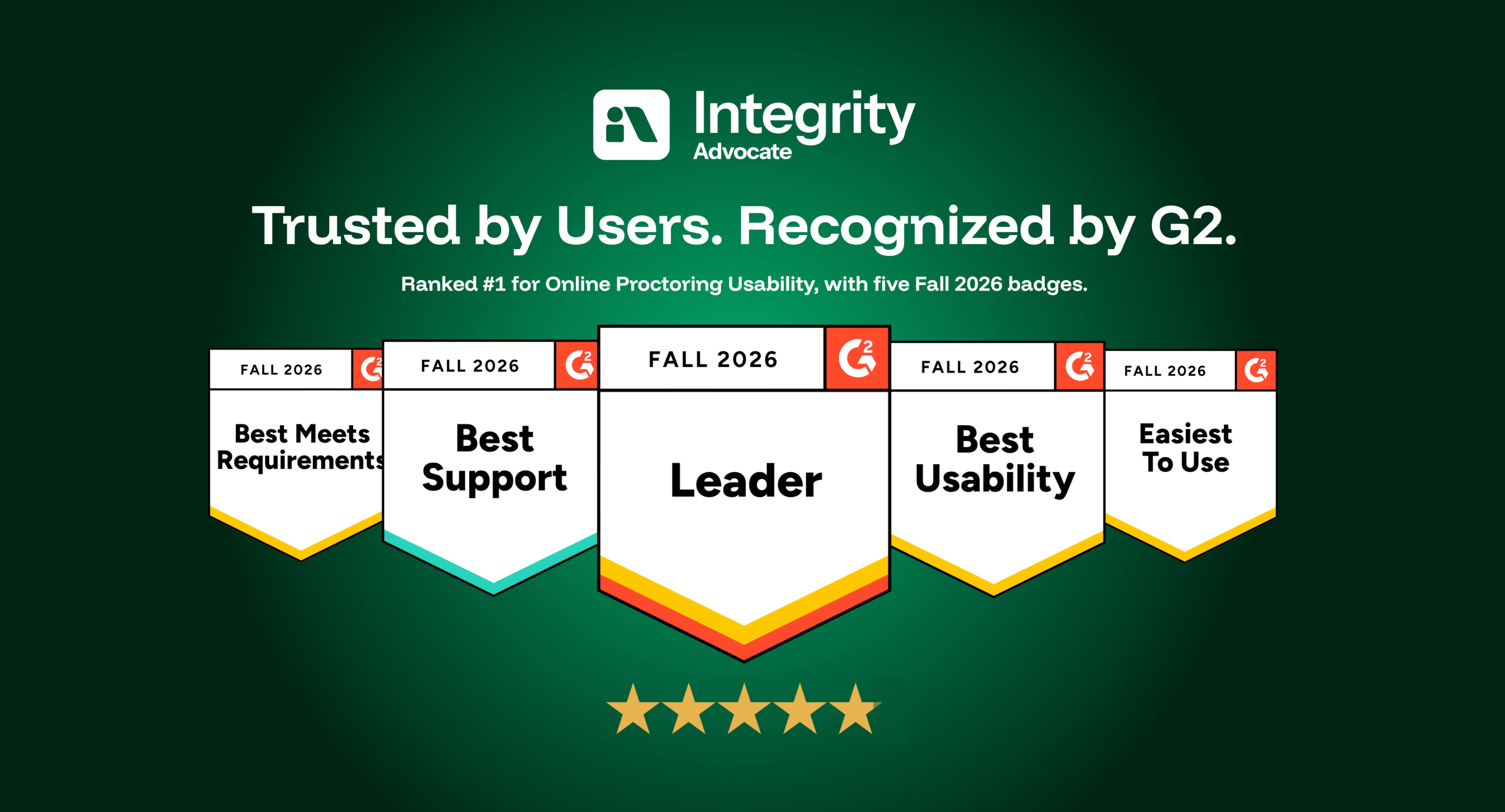
Integrity Advocate has been ranked #1 for Online Proctoring Usability on G2 for the third consecutive season. Based on verified customer feedback, we also earned five Fall 2026 badges recognizing usability, ease of use, support, and overall leadership.
Integrity Advocate has once again been ranked #1 in G2’s Usability Index for Online Proctoring, marking our third consecutive season at the top of the category.
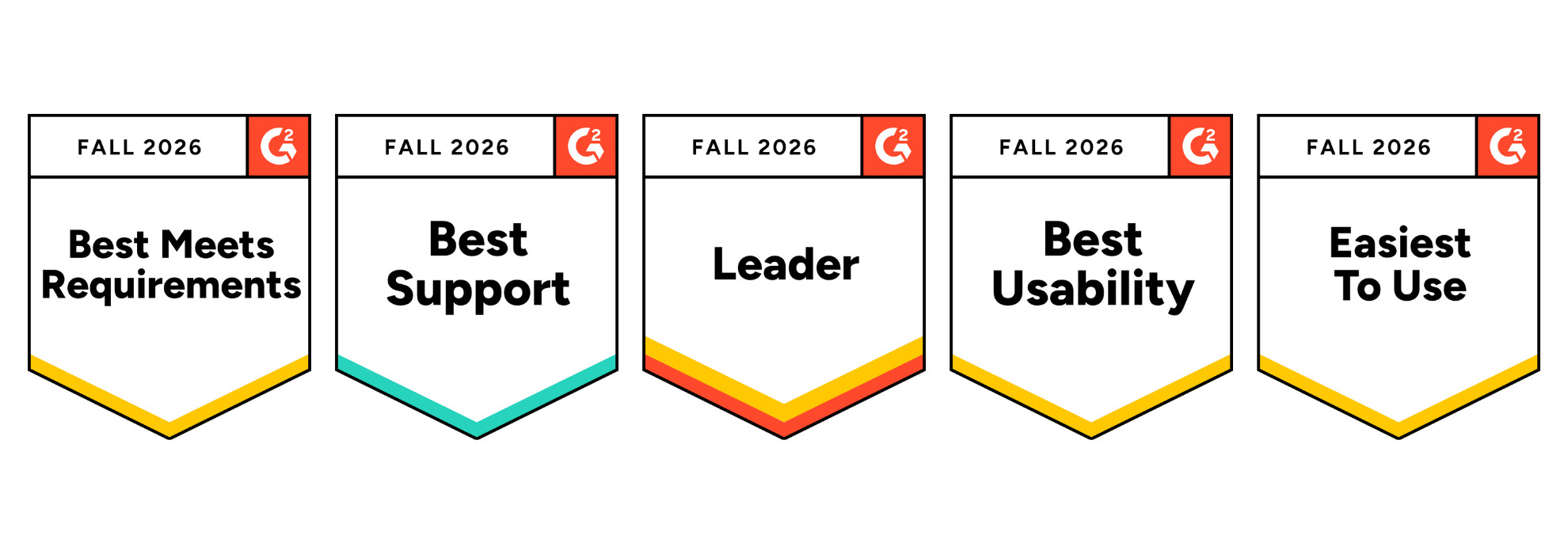
In the Fall 2026 report, Integrity Advocate earned an overall G2 Index Score of 8.60, ahead of Honorlock, Proctorio, Quilgo, Talview, and Meazure Learning. We also earned five G2 badges, including Best Usability, Easiest to Use, and Best Meets Requirements, and were recognized as a Leader in the online proctoring category.
These recognitions are based on feedback from verified users. For us, that is what makes them meaningful. They reflect the experiences of the people who administer assessments, support test takers, and rely on the results.
Integrity Advocate earned the highest overall score in the Fall 2026 Online Proctoring Usability Index:
This is not only another first-place ranking. Our overall index score increased from 8.45 in Summer 2026 to 8.60 in Fall 2026, extending Integrity Advocate’s position at the top of the category.
G2 is the largest peer-to-peer software review platform in the world. Their Usability Index ranks products within a category based on three user-rated dimensions:
Every score comes from authenticated, verified reviews. Companies cannot pay to improve their position. There is no sponsorship or placement influencing the results. The index score reflects what users say about their experience with the product.
Integrity Advocate scored above the online proctoring category average across every usability measure included in the report:
User adoption stands out in particular. Integrity Advocate scored 17 points above the category average and 28 points above Honorlock.
That matters because a platform can have an impressive feature list and still create friction when people are asked to use it. Strong adoption suggests that the experience works in practice, not only during a product demonstration.
In addition to ranking first in the Usability Index, Integrity Advocate earned five G2 badges for Fall 2026 and was recognized as a Leader in online proctoring.
The Best Usability, Easiest to Use, and Best Meets Requirements badges reinforce something we have always believed: assessment security should be strong without being unnecessarily complicated.
Organizations should not have to choose between protecting an assessment and delivering an experience people can successfully use.
Online proctoring sits at a sensitive point in the assessment experience. Test takers may already be under pressure, while administrators need to protect exam integrity without creating unnecessary technical problems or support demands.
A platform that is difficult to access or manage can lead to:
Integrity Advocate was designed to remove those barriers.
There is no software to install and no browser extension to manage. The platform works across devices and browsers and integrates into existing assessment workflows. Test takers can access their assessments without navigating a separate, unfamiliar system, while administrators gain clear evidence and the context needed to evaluate results.
Usability is not separate from assessment integrity. When a platform works consistently, more attention can remain where it belongs: on the assessment and the credibility of its outcome.
Ease of use should never require an organization to compromise on accuracy or defensibility.
Integrity Advocate combines intelligent detection with Verified Human Review™ to provide context behind potential assessment violations. Instead of asking administrators to make decisions based only on an automated flag, our proctoring solutions can provide a clear, reviewable record supported by human judgment.
The result is an approach that protects assessment integrity while remaining practical for the people responsible for administering the program and fair to the people taking the assessment.
Across reviews, users consistently highlight the qualities reflected in the Fall 2026 report: straightforward implementation, ease of use for learners and administrators, seamless LMS integration, responsive support, and a privacy-first approach to assessment integrity.
As one verified user shared:
{{post-block-quote}}
That experience is what the rankings ultimately represent. Not simply a score, but whether the platform helps organizations protect assessments without placing unnecessary friction on their teams or test takers. View more customer stories here.
If you are currently comparing online proctoring solutions, usability should be evaluated alongside security, privacy, and review quality.
Consider asking:
The Fall 2026 G2 results provide an independent view of how leading platforms perform across many of these considerations.
Being ranked #1 once is exciting. Remaining at the top for three consecutive seasons tells a stronger story.
It shows that organizations do not have to accept unnecessary complexity as the price of protecting their assessments. Online proctoring can be secure, privacy-first, easy to administer, and straightforward for test takers.
That is the experience Integrity Advocate was built to provide, and we are grateful to every customer who shared their experience on G2.
The G2 ranking reflects a platform that has been in continuous operation for over a decade:
{{post-cta}}
Find answers to the most commonly asked questions.
Integrity Advocate is designed to remove unnecessary complexity from online proctoring. With no software downloads, intuitive workflows, seamless LMS integrations, and responsive support, organizations can launch and manage secure assessments with less effort.
No. Integrity Advocate combines identity verification, configurable security settings, AI-assisted monitoring, human review, and audit-ready evidence in a simple, browser-based experience. Ease of use and strong security work together.
Most organizations are able to implement Integrity Advocate quickly because it integrates with existing learning and assessment platforms and requires no software installation for participants.
No. Participants launch assessments securely in their browser without downloading applications or installing browser extensions, reducing technical barriers before testing begins.
Intuitive administration tools, browser-based delivery, and seamless integrations reduce support requests, simplify deployment, and eliminate the maintenance associated with traditional proctoring software.

Schedule a personalized walkthrough to see how Integrity Advocate protects participant data, supports global privacy requirements, and helps organizations deliver secure, defensible assessment outcomes.
Total session proctored
Languages supported
Client retention rate